Free vs Paid Video Editing Software: What You Actually Get
Three months after I started editing seriously, I was paying $22.99 a month for Premiere Pro and using maybe 15% of what it offered. Not because the rest was bad. I just hadn't gotten there yet. Free video editing software in 2026 is a different conversation than it was four years ago — and if you're paying for something you don't need, that's worth knowing.
The question isn't which software is best. It's which software is best for where you are right now.
Pricing — what you're actually paying for
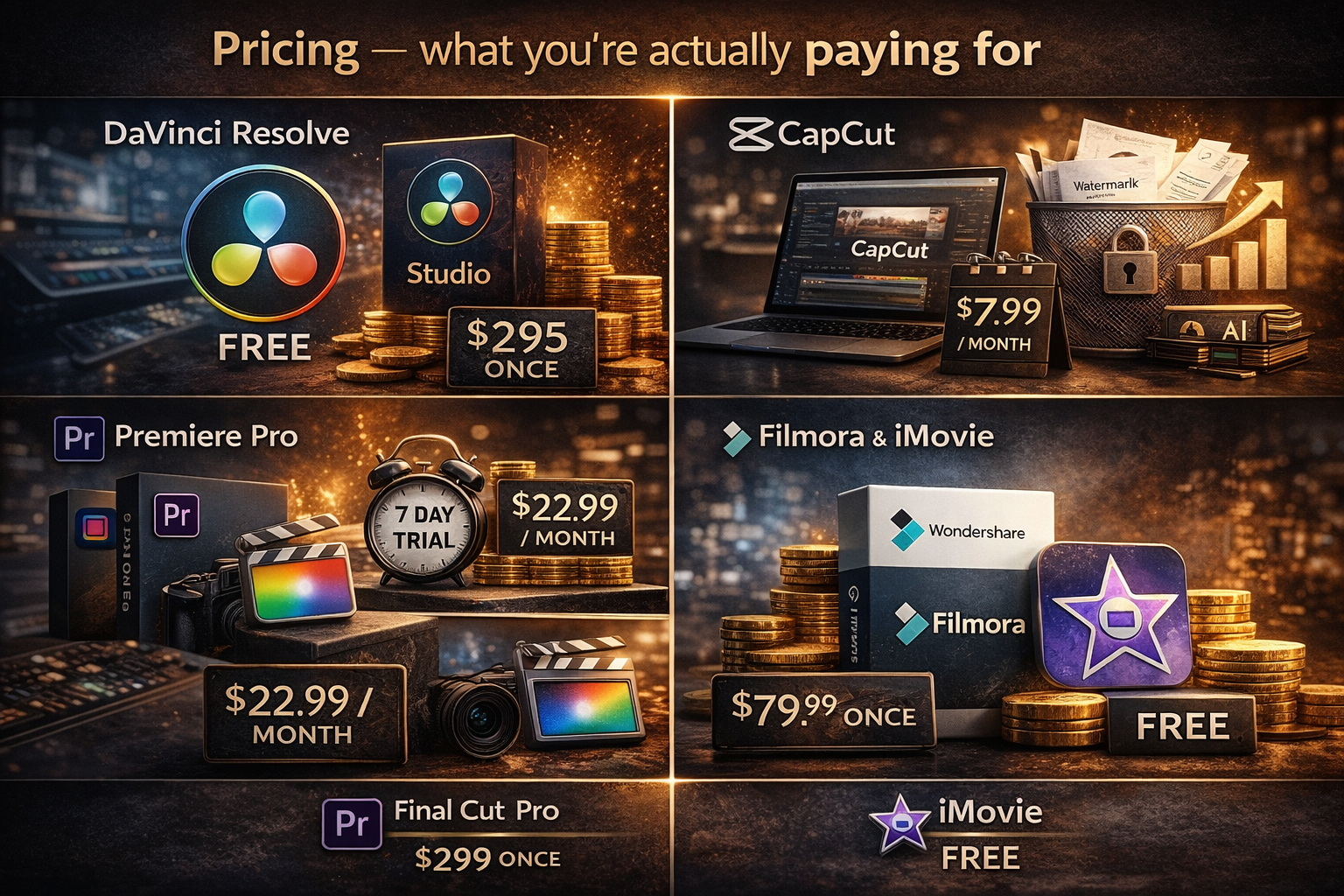
DaVinci Resolve free is not a trial. Not a crippled version. No watermark. It's a full professional NLE with colour grading tools that Hollywood productions actually use, Fairlight audio (a proper DAW, not an afterthought), and Fusion compositing. The free version exports up to 4K at 60fps. The paid Studio version costs $295 once — no subscription, no renewal — and adds noise reduction, some AI tools, and multi-GPU support. About 95% of what most independent editors need is already in the free version. I've been using it for two years and haven't hit a wall that required the upgrade.
CapCut free works differently. The business model is engagement and data, not a traditional software licence. You get a watermark on exports unless you pay ($7.99/month for Pro) or post directly through their platform. Some AI tools are paywalled. For short-form content you're posting immediately, this rarely matters. For anything you want to keep or repurpose without a logo on it, it starts to.
Premiere Pro — no free version, just a 7-day trial. After that: $22.99/month or $263.88/year. After twelve months you've spent about the same as a DaVinci Studio lifetime licence. Then the clock resets.
Final Cut Pro — $299.99 once on Mac. The 90-day trial is long enough to edit several real projects before deciding.
Filmora — starts at $49.99/year or $79.99 one-time. Aimed at beginners who find Resolve intimidating but want more than CapCut. The free version has a watermark. Worth knowing: People Also Ask on Google for this one constantly, which means a lot of beginners land here first.
iMovie — free on Mac and iPhone. Zero features worth discussing for serious editing. But if you're shooting iPhone footage and need to cut something quickly, it handles that without installing anything.
Where you actually feel the difference
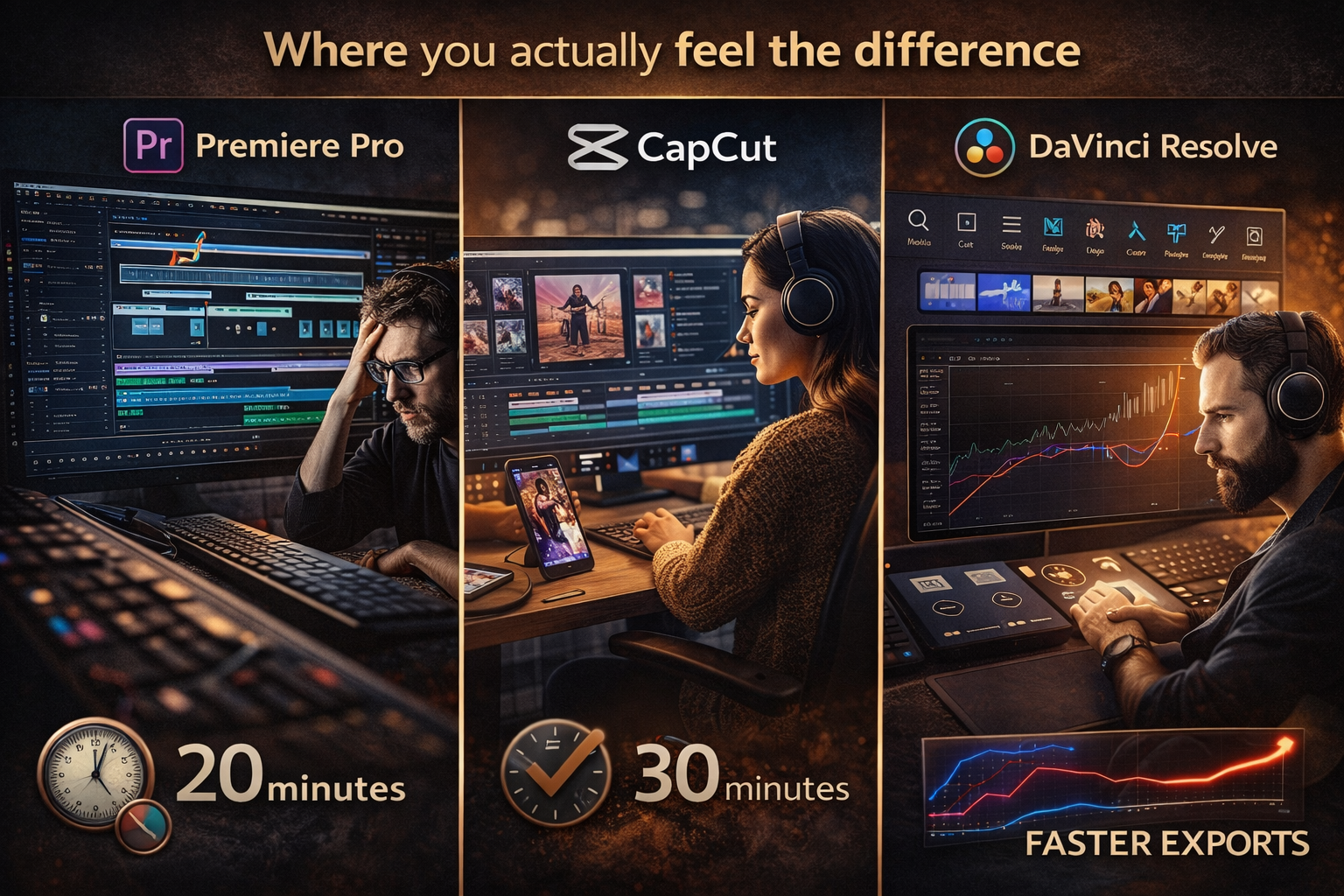
A user on the Adobe community forums described Premiere after years of use: feels old and crowded. Adding features without expanding the footprint — after a decade in it, something still gets confusing. Fair. Premiere's timeline and shortcuts are fast once learned, and the Dynamic Link integration with After Effects and Audition genuinely saves time if you live in that ecosystem. But if you don't use After Effects and you're not on a team using Frame.io, you're paying for infrastructure that doesn't apply to your workflow.
DaVinci Resolve exports faster. On a comparison with 4K H.264 footage on an M1 Max Mac Studio: Resolve exported a 3-minute 50-second timeline in 30 seconds. Same machine, same files, Premiere took 20 minutes. That gap is consistent — Resolve uses GPU acceleration more aggressively. On older hardware the difference is even larger.
CapCut's advantage is creation speed, not export speed. Editing a 5-minute video with cuts, transitions, titles, and music took about 30 minutes for beginners in CapCut — against 45 minutes in Premiere and an hour in Resolve. For posting three Reels a week, that compounds fast. The template workflow creates social clips faster than anything a traditional NLE offers. But CapCut's multi-track editing breaks in specific ways — add a text layer and use Ripple Trim, and only the video track trims while the text layer goes out of sync. Small thing, until it isn't.
DaVinci Resolve has a genuine learning curve. Not because it's badly designed — because it does more things. Seven pages: Media, Cut, Edit, Fusion, Color, Fairlight, Deliver. Each one is deep. Someone on the Blackmagic Design forum made the comparison: "You can't use a knife meant for butchering cows to slaughter a chicken." Meaning DaVinci is overkill for fifteen-second Reels. That's true. It's also free, so the cost of having more than you need is zero.
Which tool, for what
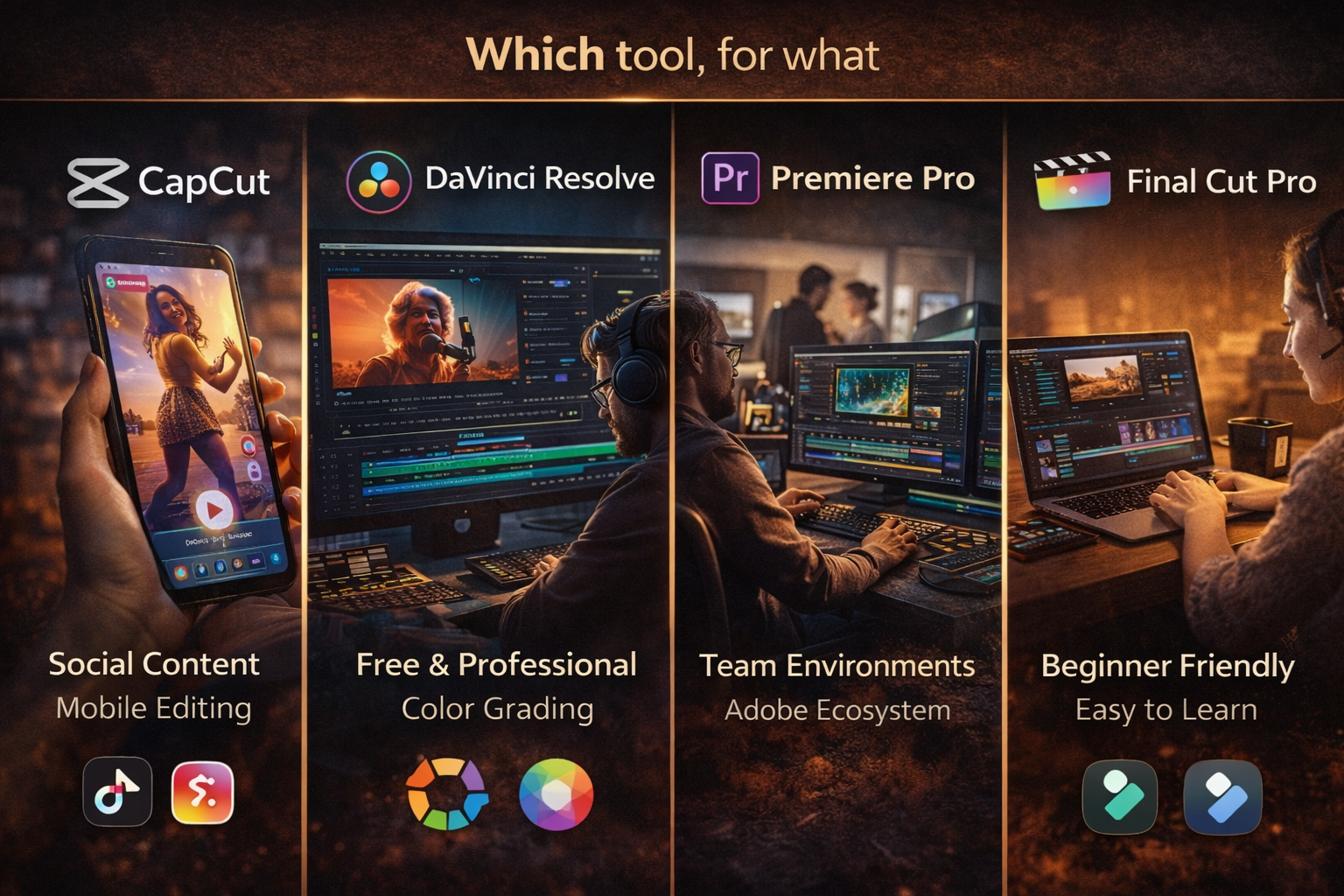
CapCut — short-form social content, quick turnaround, mobile editing. The auto-captions and trending audio integration are faster than anything in a traditional NLE for this use case. The ceiling is real: no serious colour, limited multi-track, export options are basic. But for TikTok and Reels, it's the fastest path from footage to published. More in CapCut vs DaVinci Resolve →
DaVinci Resolve free — everything serious that doesn't require a subscription. Music video editing, short film, colour grading, any output where quality matters more than speed of creation. The Edit page has historically lagged behind the Colour tools — power users have said so directly — but recent versions have improved it. The node-based colour workflow takes time to learn and it's genuinely different from layer-based grading. Worth the time if colour is part of your work.
Premiere Pro — team environments, Adobe ecosystem, or editors who've been in it for years and are already fast. One editor at Storyblocks: "Every company is different, but the majority still use Premiere Pro as their platform." If you're working with clients on Frame.io or handing off to After Effects regularly, Premiere's integration is real value. If you're working alone without those dependencies, you're paying for them anyway.
Final Cut Pro — Mac only, but hardware-optimised for Apple Silicon in a way Premiere isn't. The magnetic timeline has genuine workflow advantages for fast editing. Worth the 90-day trial before deciding. Not available on Windows.
Filmora — beginner-friendly with a lower learning curve than Resolve but more features than iMovie or basic CapCut. The one-time purchase option ($79.99) makes the maths reasonable. Not industry-standard, but for someone who finds Resolve overwhelming and posts occasional content, it sits in a useful middle ground.
The subscription maths
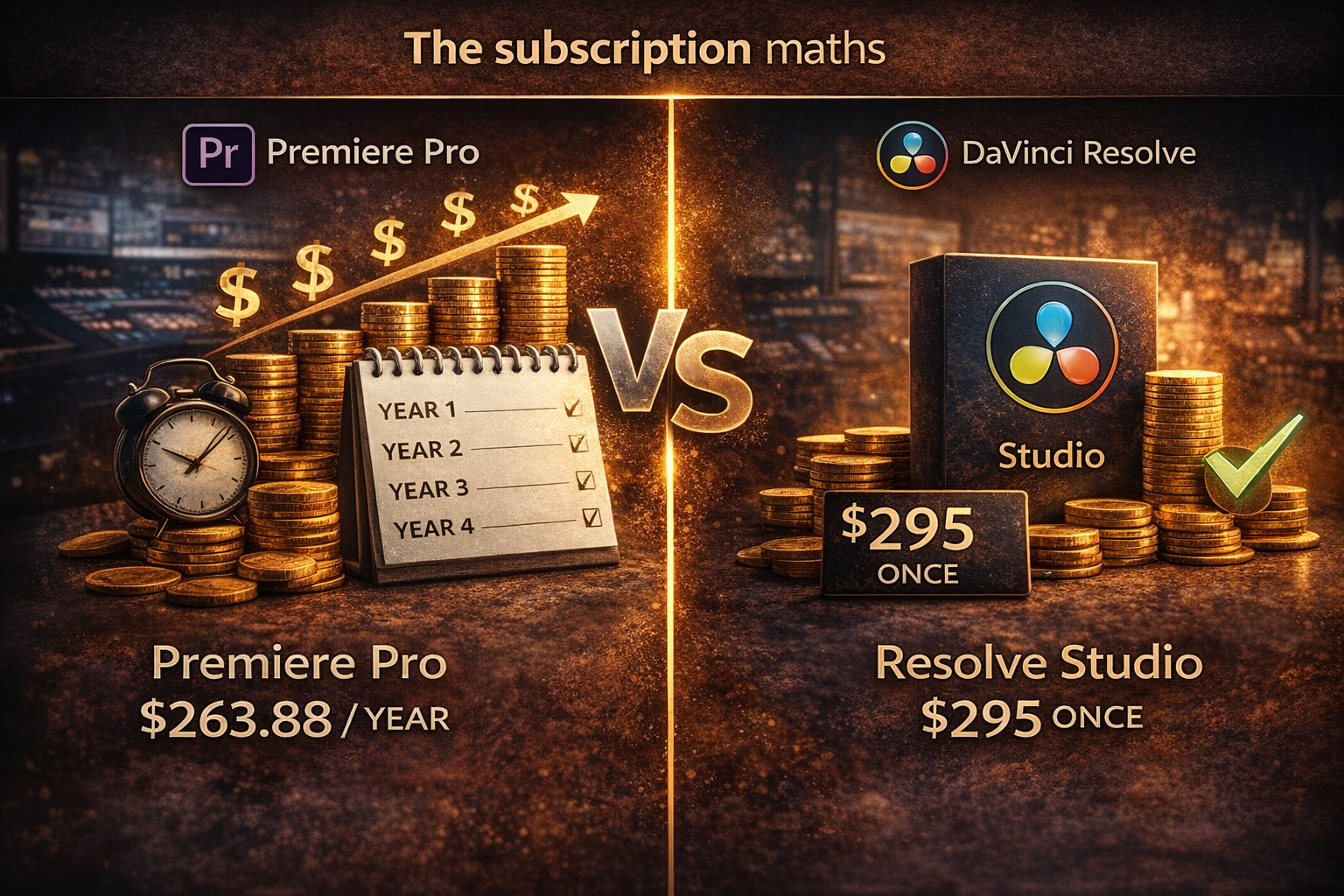
One editor described cancelling all his Adobe subscriptions: "About midway through the second year of using Resolve Studio, I will have already gotten my money's worth compared to what I was paying for Premiere Pro." The maths is straightforward — $263.88/year for Premiere vs $295 once for Resolve Studio.
The counterargument: if you already know Premiere, switching costs time. A YouTuber who'd used Premiere since 2011 described the switch: "It was surprisingly easy to pick up, though the node-based workflow took getting used to." Time cost is real. Whether it's worth it depends on how long you plan to keep editing.
What doesn't make sense: paying for Premiere to edit casual social content that CapCut or Resolve free handles. What also doesn't make sense: opening DaVinci Resolve to edit fifteen-second Reels when CapCut's template workflow gets there faster. Match the tool to the output.
Where to start
Download DaVinci Resolve free and spend two weeks with it. The free version is more capable than most paid editors. If it's too much for what you're making, CapCut handles short-form faster. If you hit Resolve's ceiling — which most independent editors don't — the Studio upgrade is $295 once.
If you're currently paying for Premiere and not actively using After Effects, Audition, or team collaboration: the maths on switching is simple. The learning curve is a few weeks of feeling slower, then it disappears.
If you're on Mac: the Final Cut Pro 90-day trial is long enough to edit several real projects. Use it for something you'd normally edit in your current software and compare directly.
FAQ
Is DaVinci Resolve really free — no catch? Actually free. No watermark, no time limit, no trial. Exports up to 4K at 60fps. The $295 Studio version adds noise reduction, some AI tools, and multi-GPU support — but most independent editors never need any of those. Per Blackmagic Design's official page, the free version includes colour grading, Fairlight audio, and Fusion compositing with no feature restrictions on the core editing workflow.
Can you make professional-quality videos with free software? Yes. DaVinci Resolve free is used on commercial productions. "Free" hasn't meant "amateur" for video editing since around 2018. Output quality is a function of the footage and the editor, not the licence.
Is Filmora or CapCut better? Depends on your output. CapCut is faster for short-form social content and has better AI tools for captions and trending audio. Filmora has a more traditional timeline that's easier to learn for multi-track editing than CapCut, and the one-time purchase option avoids the subscription model. For TikTok and Reels, CapCut. For longer content with more structure, Filmora. For anything serious, Resolve.
Is CapCut good enough for YouTube? For Shorts, yes — probably the fastest tool for that format. For long-form YouTube content over a few minutes, you'll hit multi-track limitations and audio control issues before long. Most serious long-form YouTubers use Resolve or Premiere.
What are the limitations of DaVinci Resolve free? No noise reduction, some AI tools paywalled, no Blackmagic Cloud collaboration, no GPU selection for multi-GPU setups. For most independent editors: none of these come up.
Is Premiere Pro worth it if I already know it? Depends what "know it" means in practice. If you're fast in Premiere and use Adobe integrations regularly, the familiarity has real value. If you're paying $263.88/year without using After Effects or working in team environments, the case for staying is weaker than it looks.
What about iMovie? Free on Mac and iPhone. Fine for iPhone footage you need to cut quickly. Not fine for anything where output quality matters. The ceiling is very low.
Can I use CapCut and DaVinci Resolve together? Yes, and many editors do. CapCut for fast social content and captions. Resolve for anything requiring serious colour or audio work. They serve different jobs and don't conflict.