Where to Find Royalty-Free Music for Your Videos (2026)
At some point every creator makes the same mistake.
You find the perfect song. It fits the mood exactly, the beat lands right, the whole video clicks into place around it. You export, you post — and twelve hours later the video is muted or taken down. Sometimes you get a copyright strike instead, which is worse.
The song belonged to someone. You didn't have permission. That's it.
Royalty-free doesn't mean free as in zero cost. It means you pay once (or nothing, depending on the source) and you don't owe royalties every time someone watches. The license is the thing you're actually buying — the right to use the track in your video without the artist's label showing up later to claim your monetisation or pull the content.
Here's where to actually find it, and what each source is honest about.
Pixabay Music
Free. No attribution required. No account needed to download.
Pixabay Music started as a stock photo site and built a music library that's now over 230,000 tracks. The license is genuinely permissive — you can use tracks commercially, you don't have to credit the artist, and you don't need an account to download.
The quality varies wildly. Some tracks are excellent; others sound like they were made in thirty minutes to fill a category. The search filters help — genre, mood, BPM, duration — but you'll spend time sorting through mediocre tracks to find the good ones.
For music videos specifically, the electronic and hip-hop sections tend to have the most usable material. The orchestral and corporate sections are mostly filler.
Worth bookmarking and checking regularly. The library updates constantly and good tracks appear without much fanfare.
Uppbeat
Free tier: 3 downloads per month. Paid from €7.99/month.
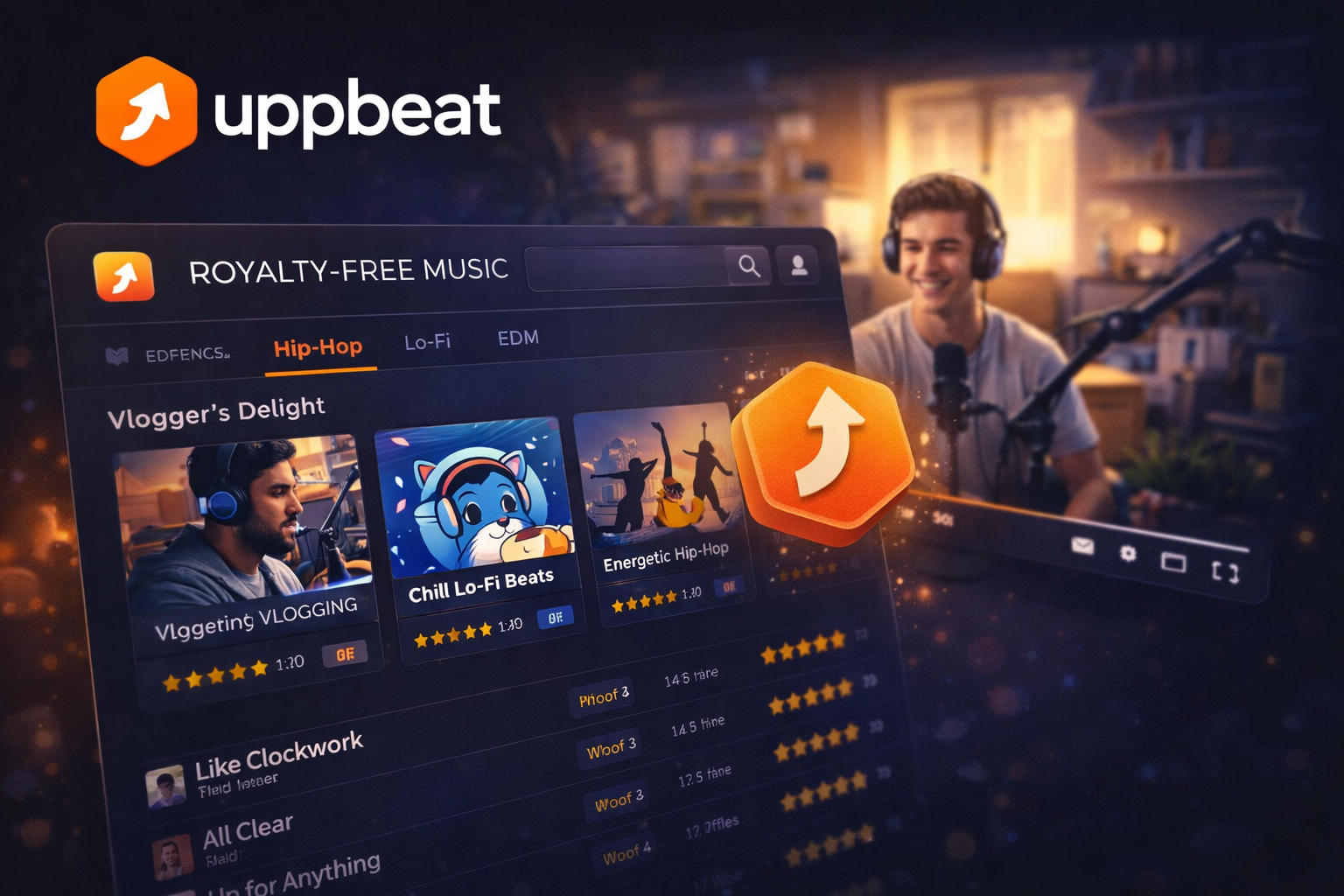
Uppbeat is curated in a way Pixabay isn't. The tracks are selected rather than uploaded by anyone with an account, which means the average quality is noticeably higher. The site is built specifically for video creators — you can filter by platform (YouTube, TikTok, Instagram), by energy level, by whether a track has vocals.
The free tier gives you three downloads a month, which is genuinely not much if you're producing regularly. The Essentials plan at €7.99/month gives unlimited music downloads and lets you safelist one YouTube channel — meaning Uppbeat handles the copyright claim on your behalf if one comes in. The Creator plan at €9.99/month adds sound effects, motion graphics, LUTs, and three YouTube channels.
The "safelist" feature is the part most people don't know about. Even with royalty-free music, Content ID claims can still appear on YouTube — an automated system flags the track because the original artist registered it. Uppbeat's paid plans handle this automatically rather than leaving you to manually dispute claims.
Worth paying for if you're posting to YouTube more than once a month.
YouTube Audio Library
Free. Attribution sometimes required depending on the track.
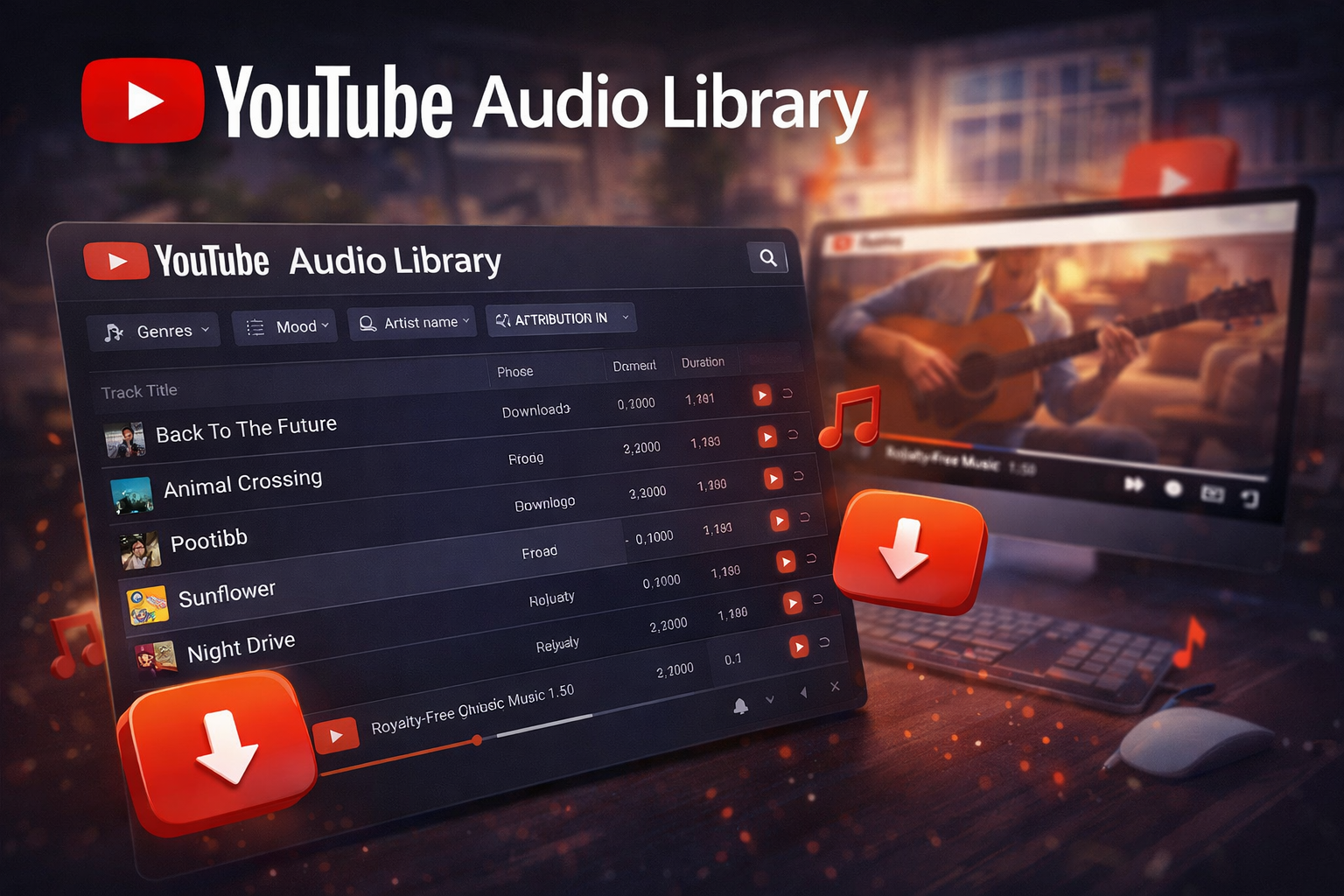
YouTube's own music library lives inside YouTube Studio — go to Content, then Audio Library. It's free and the tracks are cleared for use on YouTube specifically. Some tracks require you to credit the artist in your video description; most don't.
Two things to know. First, this library is for YouTube. If you post the same video to TikTok or Instagram, the YouTube Audio Library license doesn't necessarily cover that. Second, the library is smaller and less curated than Uppbeat or Pixabay. There's usable material here but it takes patience to find it.
Best use case: you're posting exclusively to YouTube and want zero cost and zero complexity.
Free Music Archive
Free. License varies by track — read it before you use it.
Free Music Archive is the oldest name in this space. Founded in 2009 by radio station WFMU, it's a catalogue of Creative Commons licensed music from independent artists across 190+ countries — 34,000+ artists, tens of millions of monthly visitors.
The catch: Creative Commons isn't one license, it's a family of licenses. Some tracks on FMA are fully open — use commercially, no attribution, no restrictions. Others require attribution. Others are non-commercial only, which means you can't use them in monetised videos. You have to check the specific license on each track before you use it.
For music videos with a specific aesthetic or a need for music that sounds genuinely independent and non-generic, FMA is worth the extra friction. The archive is deep and the material is varied in ways commercial libraries aren't.
Artlist
Paid only. $199/year individual.

Artlist is what professionals use when the track actually matters.
The library is smaller than Pixabay but every track in it has been selected, and the production quality is consistently high. The license covers everything — YouTube, Instagram, TikTok, client work, commercial use — with one subscription. No safelisting required, no claims to dispute, no per-platform rules to track.
At $199/year it's not for someone posting casually. For anyone making music videos for clients, or for a channel where the audio quality is part of the brand, it's worth the cost because you stop thinking about music licensing entirely.
There's also Artgrid (their stock footage arm) which you can bundle with Artlist at a discount if you need both.
Epidemic Sound
Paid. From $11/month personal.
Epidemic Sound competes directly with Artlist and has a larger catalogue — over 40,000 tracks and 90,000 sound effects. The quality is high and consistent. The search and filtering tools are the best of any platform here.
The licensing works differently from Artlist: your subscription covers you while it's active. If you cancel and someone watches an old video using an Epidemic Sound track, you may run into issues. Artlist licenses are perpetual — once you've downloaded a track under your subscription, you can use it forever even after cancelling.
If you're planning to use royalty-free music long-term and want the most flexibility, Artlist's perpetual licensing is the cleaner deal. If you want the biggest catalogue and the best discovery tools and you're not worried about the subscription model, Epidemic Sound is excellent.
The one thing that trips people up
You found a track labelled royalty-free. You used it. Your video got claimed anyway.
This happens because of Content ID — YouTube's automated system that scans uploads for registered audio. Even legitimately licensed music can trigger a claim if the original artist (or their distributor) registered the track with Content ID. The claim might not result in a takedown — often the revenue just goes to the claimant instead of you — but it's annoying and on monetised channels it costs money.
The practical solution: use services that actively manage this. Uppbeat's safelist feature, Artlist's licensing, and Epidemic Sound's coverage all include some form of protection against spurious claims, either by handling disputes or by proactively registering your use.
Pixabay and FMA don't offer this. If a claim comes in, you dispute it manually. Usually it gets resolved, but it takes time and attention.
Quick reference
| Source | Cost | Quality | Attribution | Platforms |
|---|---|---|---|---|
| Pixabay | Free | Variable | Not required | All |
| Uppbeat | Free (3/mo) / from €7.99 | Curated, good | Not required | All |
| YouTube Audio Library | Free | Mixed | Sometimes | YouTube primarily |
| Free Music Archive | Free | Variable | Check per track | Depends on license |
| Artlist | $199/year | High, consistent | Not required | All, perpetual |
| Epidemic Sound | From $11/month | High, consistent | Not required | All, subscription |
FAQ
Can I use Spotify songs if I buy the track? No. Buying a track on Spotify, iTunes, or anywhere else gives you a personal listening license — not a sync license, which is what you need to use music in a video. These are different things and the sync license is almost never included in a standard purchase.
What happens if I just use a popular song and mute the original audio? Content ID detects audio — it doesn't matter if you've lowered the volume or added other sounds on top. The original track will still be flagged if it's registered. Muting it before upload is the only way around it, which rather defeats the purpose of having music in your video.
Is lo-fi or "no copyright" music on YouTube safe to use? Not inherently. Lo-fi tracks on YouTube are often monetised content themselves, not royalty-free material. "No copyright music" in a video title doesn't mean it's actually cleared for use. Check the actual license rather than trusting channel titles.
Do I need different licenses for YouTube versus TikTok? It depends on the source. Artlist and Epidemic Sound cover all platforms under one subscription. YouTube Audio Library tracks are primarily licensed for YouTube. Pixabay and Uppbeat (paid) generally cover all platforms. Read the license terms for the specific service you're using.
What about AI-generated music — is that royalty-free? AI music platforms like Suno and Udio generate tracks that are generally royalty-free, but the licensing rules are still evolving and vary by platform. Some have commercial licenses; some don't. Check the terms before you use AI-generated music in monetised content.