How to Repurpose Long Videos into Short Clips
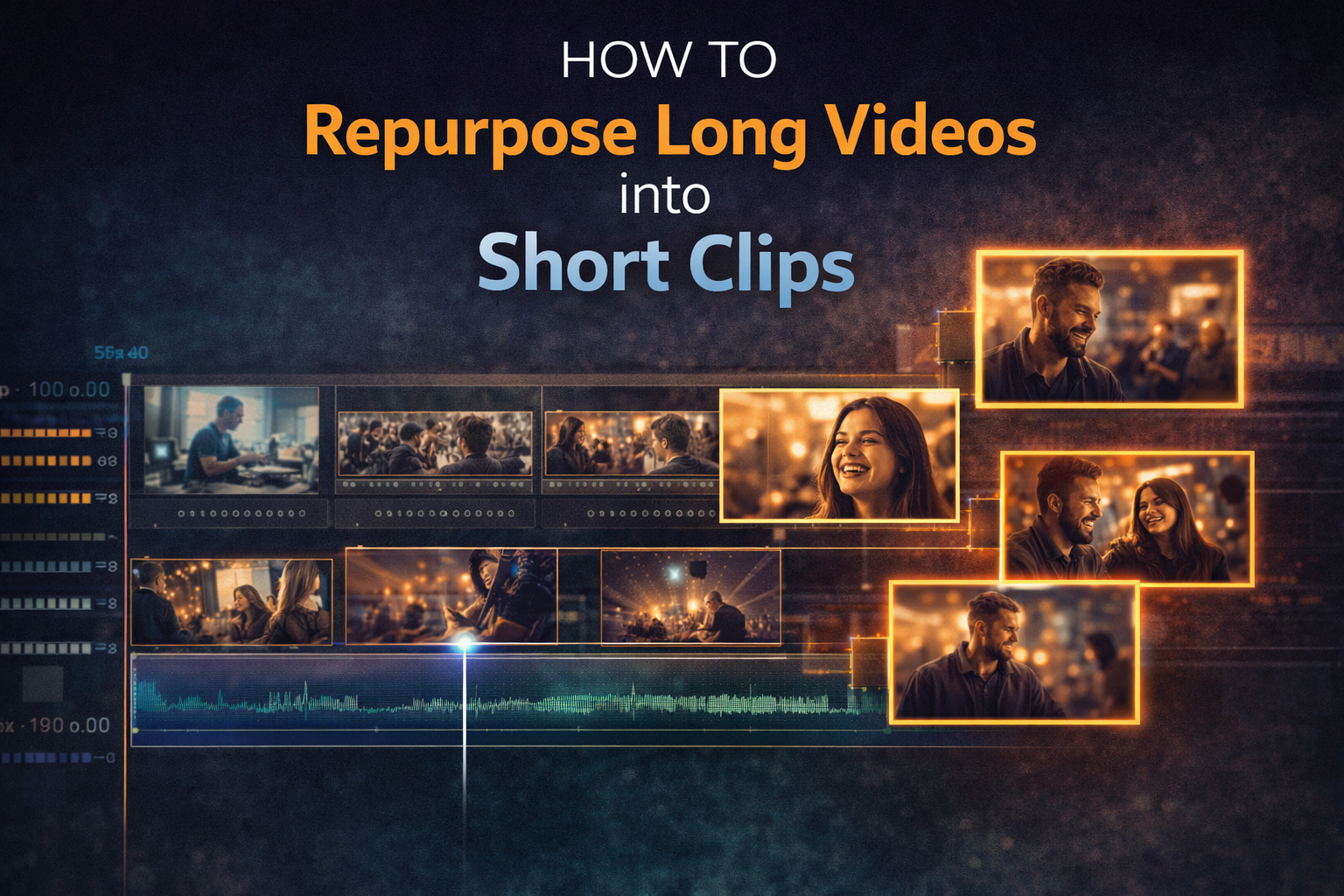
You already have the content.
A 20-minute YouTube video, a full performance shoot, a live stream, a long interview — there are probably five or six usable clips sitting inside each of those right now. Not rough material that needs to be turned into something. Finished moments that are already good, just buried inside a longer runtime.
This is what the industry calls content repurposing: turning one long-form video into multiple pieces of short-form content without shooting anything new. It's one of the most efficient things a creator can do, and most people skip it entirely.
What you're actually looking for
Before you open an editor, you need to know what a good clip looks like inside a long video. A clip works standalone when it has a beginning, a middle, and an end that makes sense without context. That's the whole test.
A clip that starts mid-thought and trails off doesn't work. A clip that requires someone to have watched the first fifteen minutes to understand it doesn't work. A clip where something happens — a moment, a point, a reaction, a reveal — and then it resolves, works.
For music video content specifically, the useful moments tend to be:
Visual peaks. The frame or sequence that would make someone stop scrolling. A striking location shot, a lighting moment, a movement that's genuinely impressive. These work without any audio context — they stop the eye first.
Emotional moments. A reaction, a performance beat where the feeling is obvious even without knowing the song. These connect before the viewer has time to think.
Process moments. Behind-the-scenes footage showing the gap between how something looks in the final video and how it was actually made. The contrast does the storytelling for you.
Technique moments. A specific editing decision — a transition, a colour grade, a sync technique — explained in thirty seconds. Tutorial-adjacent content that clips out cleanly from a longer breakdown.
How to find them without watching everything twice
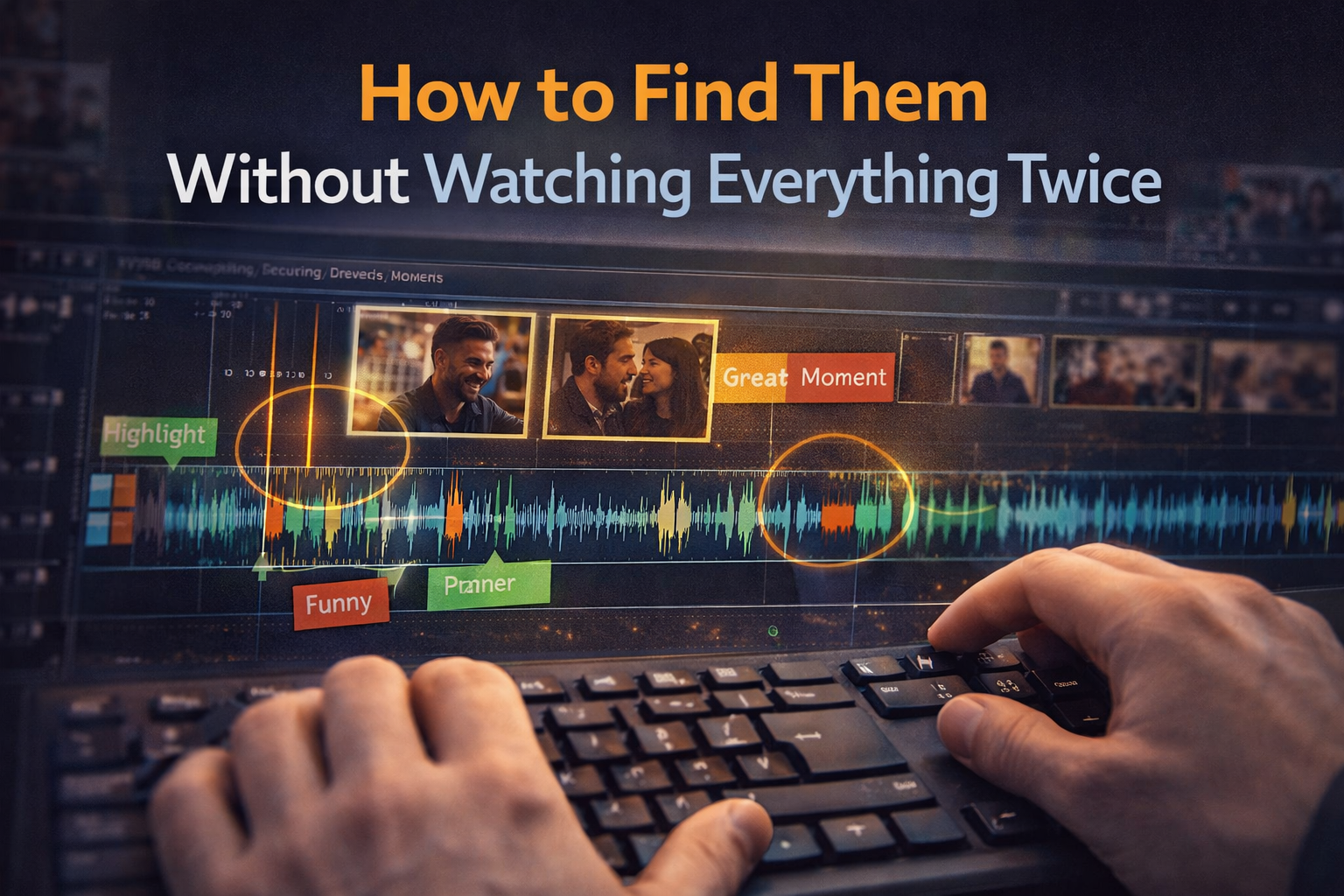
The instinct is to open the full video and scrub through it hunting for moments. That works but it's slow, and you end up missing things because you're watching the same footage you've already seen.
A faster approach: read the waveform first.
Open your footage in your editor and look at the audio waveform before you play anything. The peaks tell you where the energy is — where something is happening, where someone is speaking clearly, where there's silence. The best clips almost always sit at or just after a waveform peak. Mark those sections first, then only watch those.
If the video has dialogue — an interview, a breakdown, a voiceover — transcribe it. CapCut's auto-transcription does this in a few minutes and produces a video transcript you can read in two minutes flat. Spotting the lines that would work as standalone clips is far faster in text than by scrubbing through footage.
The manual method: step-by-step
Step 1. Open the long video in your editor. Drop markers every time you see or hear something that might work as a standalone clip. Don't evaluate yet — just mark everything.
Step 2. Go back through the markers and ask one question for each: does this make sense if someone has never seen this video before? If yes, it's a candidate. If no, either cut it or note that it needs a single line of context added at the start.
Step 3. Split the clip at the natural start and end of that moment. Give it a few frames of breathing room on each side — cutting too tight makes clips feel rushed.
In CapCut: use the Split tool at your marked points, then drag each segment to a new project. Export each one with the aspect ratio set for the destination platform.
In DaVinci Resolve: use the Cut page — it's built for exactly this kind of fast selection work. Mark In and Out points around each moment, then use "New Timeline from Selection" to pull it into its own timeline.
In Premiere Pro: open your long clip in the Source Monitor. Set In and Out points around each moment and insert them into a new sequence. This keeps your original timeline clean while you build each short version separately.
The AI method: letting the tool do the scanning

Several tools now handle the identification step automatically. They're not perfect, but for a 45-minute raw shoot they're significantly faster than manual scrubbing.
OpusClip — paste a YouTube URL or upload a file and it finds the highest-engagement moments in the video, packages them as vertical clips with auto captions, and scores each one. Worth checking even if you override most suggestions, because it catches moments you might have scrubbed past.
Descript — transcribes your video and lets you edit by deleting words from the video transcript rather than manipulating a timeline. If you want to pull every moment where someone makes a specific point, or remove filler words across a long interview, this beats any manual method.
Klap — better reframing for talking-head content. If your long video is interview-style or has someone speaking to camera, Klap keeps them centred in a vertical frame automatically.
CapCut AutoCut — already inside CapCut's AI tools section. Finds highlights in your uploaded footage and generates clips automatically. Less sophisticated than the dedicated repurposing tools but free and built into the workflow you're already using.
The gap these tools all have: they identify what looks like engagement — clear speech, active movement, emotional peaks — but they don't know that the quieter moment at minute 23 is the most important thing in your video. Use AI to generate options fast, then decide which ones are actually worth posting.
Adapting each clip for its platform
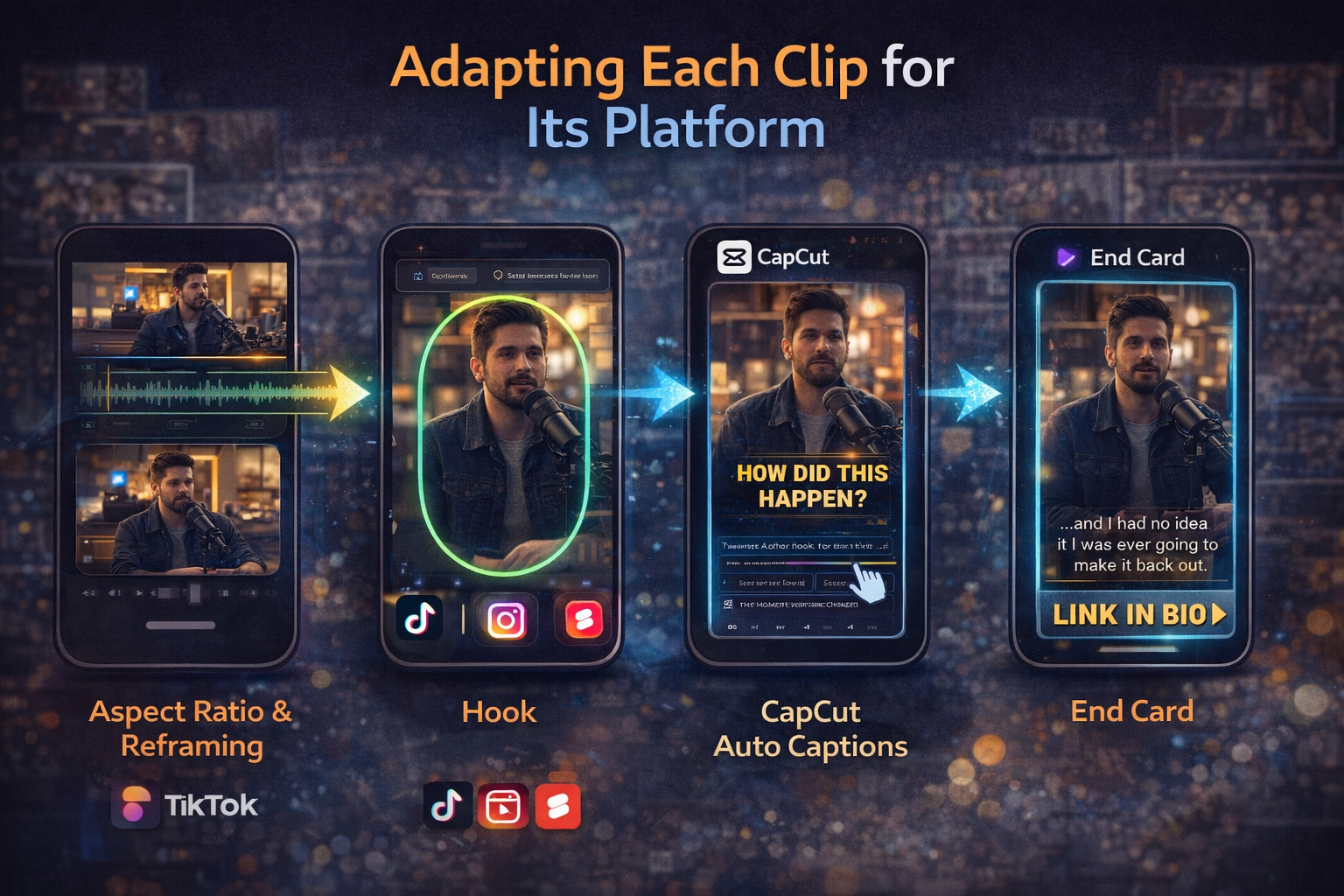
Pulling the moment out is step one. Steps two through four are what determine whether it performs.
Aspect ratio and reframing. Horizontal footage needs to become vertical for TikTok, Reels, and Shorts. Don't just crop the sides — look at where the action is and reframe around it. In CapCut, Smart Reframe handles this automatically on footage where the subject is clear. For anything more complex, do it manually. For future shoots: keep subjects centred and keep important action away from the edges of the frame.
Hook. The clip now has to earn the first three seconds for a new audience with no context. Sometimes the visual does this on its own. Often you need a single text overlay at the start — one line, maximum ten words, that tells the viewer what they're about to see.
Auto captions. Most short-form video is watched without sound. CapCut or Descript add these in minutes. Check them — auto-transcription makes errors on names, technical terms, and music-specific language.
Completion rate. This is the metric that matters most for short clips on every platform. A 45-second clip that gets watched to the end beats a 15-second clip that people swipe past in ten seconds. When you're deciding how long to cut a clip, cut to the natural end of the moment — not to a target duration.
End. Leave two or three seconds clean at the end for a card or call to action pointing to the full video, the channel, or the next piece of content.
How to turn one video into a content calendar
Make the clips first, then space them. One long video typically yields 4–8 good standalone clips. Post one or two per week across platforms rather than all of them in the same week. A single good shoot can cover two to three weeks of short-form content.
If you have a backlog of long videos you've never clipped, you have months of short-form content sitting idle right now.
One thing worth tracking: which clip from a given video performs best. The audience is telling you what they actually respond to. That's more useful signal than any keyword research when you're planning future content.
Cross-posting the same clip to multiple platforms works — but clean the watermark before you cross-post. All three major platforms detect competitor watermarks and reduce distribution on content that arrives with one.
FAQ
Can I repurpose YouTube videos that aren't mine? Only with explicit permission from the creator. Clipping someone else's video without permission is copyright infringement regardless of whether you credit them. Fair use is a legal defence with specific conditions, not a general licence to clip.
How long should the clips be? For TikTok and Reels, 30–60 seconds tends to have the highest completion rate. YouTube Shorts supports up to 3 minutes, which works for more complex moments. The right length is where the clip ends naturally — not where you hit a target number.
Do I need to say the clip came from a longer video? No requirement. But "full breakdown in the link" or "from our shoot last week" often adds context that makes the clip more interesting without requiring explanation.
What if my footage was shot horizontal and I need vertical clips? Reframe rather than crop wherever possible. If the subject is centred, vertical cropping usually works. If they're off to one side, you'll lose either them or important context. Fix it in the reframe, not by stretching the image.
How many clips can I get from a typical long video? A 20-minute video usually yields 4–8 good standalone clips. A 60-minute video might yield 10–15. Five strong clips that actually perform will always outperform fifteen that get swiped past.