How to Edit Instagram Reels That Stop the Scroll
Watch someone scroll Reels for thirty seconds. The videos they stop on almost never have the best production quality. Half of them look like they were shot in bad light with a phone propped against something. What stops the thumb is something in the first two seconds that the brain registers before the conscious mind catches up — a visual that's already in motion, text that opens a question without answering it, a cut that lands somewhere unexpected.
The edit is what creates that. Not the camera. Not the location.
Instagram Reels reach over 30% more non-followers than any other format on the platform. The Reels algorithm runs in two phases: first it goes to a subset of your existing followers, then — if watch time and shares clear a threshold — it pushes out to non-followers through Explore and the Reels feed. Both phases depend on the same thing: whether the edit earns the first two seconds.
The first two seconds
The opening has one job. Not the same job as the rest of the Reel.
Everything after the hook is about delivering on a promise. The first two seconds are about making the promise worth waiting for.
What earns that second: motion already happening when the frame starts, a visual that's unexpected in its context, or on-screen text that names something without resolving it. The viewer's brain registers an open question and stays to close it.
A quick test before you export: pause on frame one and look at it as a still image. Would that single frame, seen as a photo in a feed, make you stop? If the answer requires thinking about it, the opening needs work.
The most common mistake is starting with a face looking at camera before anything is happening. No motion, no gap — just a person looking at you. Nothing has started yet so there's no reason to stay.
Before you commit to a hook, Instagram's Trial Reels feature lets you post to a small non-follower audience before it goes to your main feed. The retention graph shows exactly where people dropped off — more useful than publishing and guessing. Find it under Advanced Settings when uploading.
Three hook structures that work
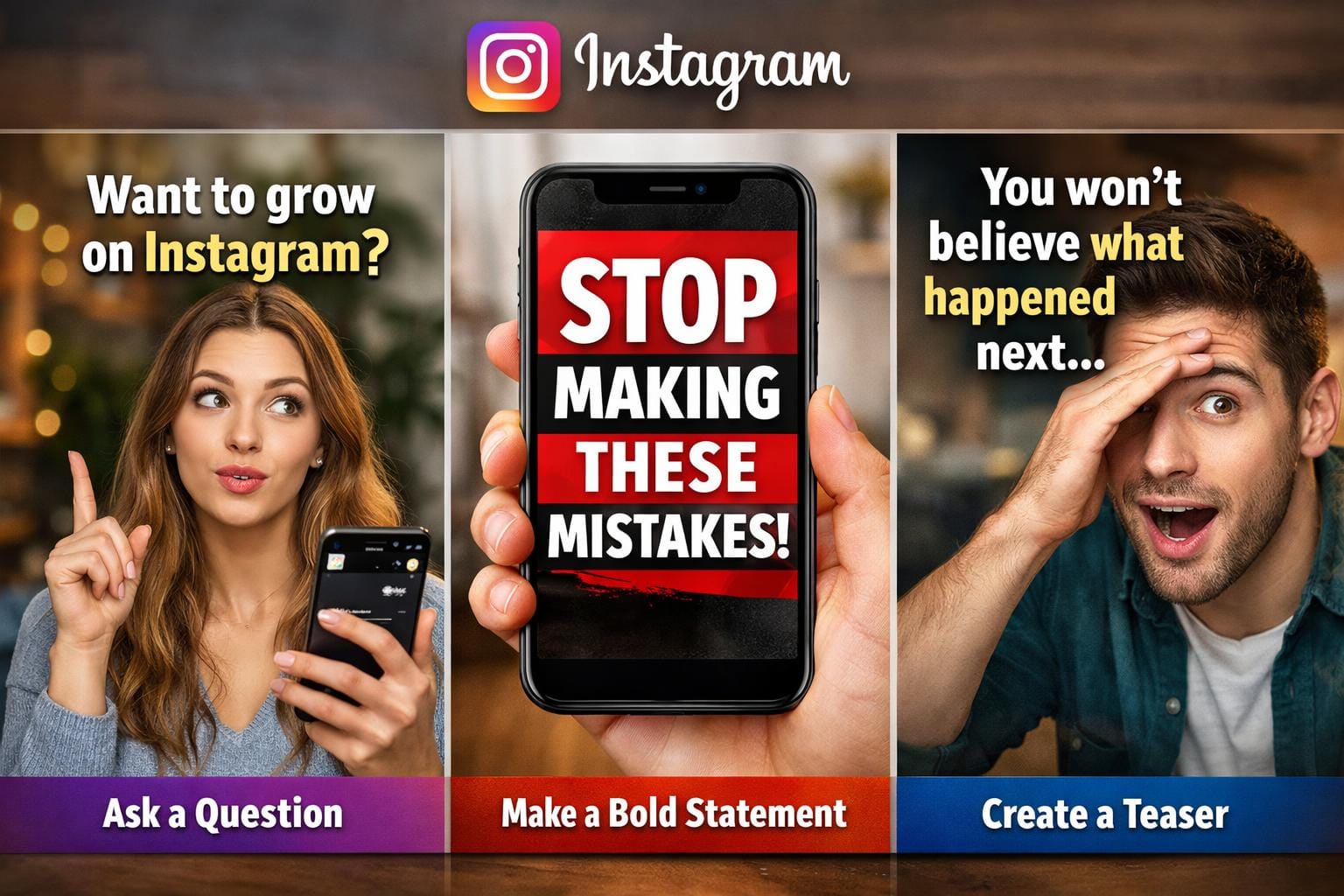
The visual reveal. Open on something that looks like the end of something — a finished result, action mid-motion, a moment already in progress. For music video content: cut in at the most visually dense moment of the clip, not at the beginning of the song. The viewer's brain registers it missed the start and stays to catch up.
The text gap. A line on screen that names an outcome while leaving the method unexplained. "I edited this on my phone" works because it states a result while implying something worth seeing. Short line, high contrast, large enough to read in under a second. If someone has to squint, it's too small or too thin.
The unexpected cut. Open on something ordinary. Cut immediately to something that doesn't follow. The brain registers the mismatch and stays to resolve it. Particularly effective for before/after content — the contrast between raw footage and the graded version is the point.
One thing kills all three: announcing what the video is about to do instead of doing it. "In this Reel I'm going to show you how to..." is nine seconds of setup that most viewers won't sit through.
Pacing through the middle
After the hook, the job is sustaining the attention you've earned. Every second that doesn't add new information or change the visual rhythm is a second where someone might leave.
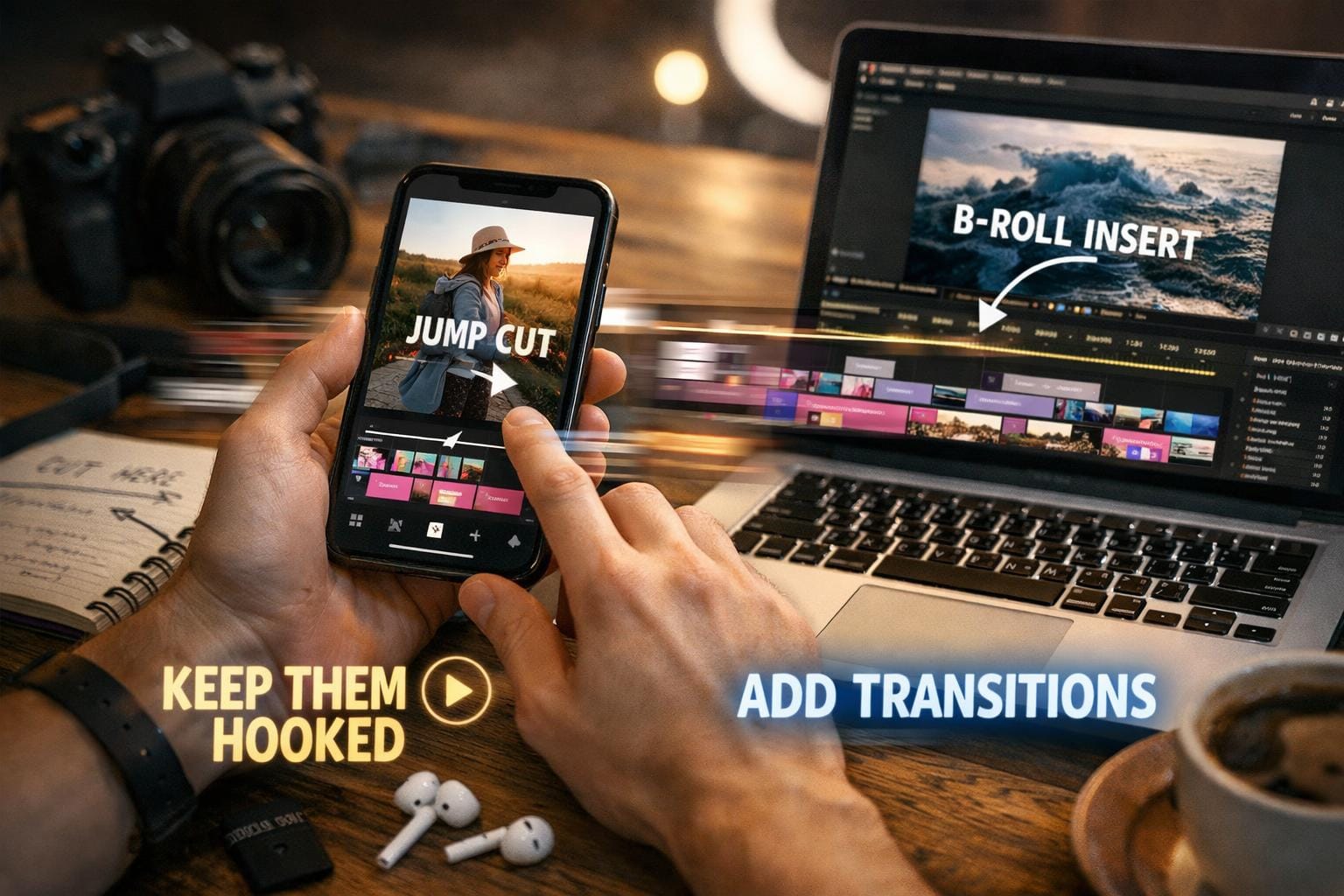
Cut on motion, not at the end of a shot. Cut to the next clip at the point of maximum movement in the outgoing one. The eye is already tracking motion when the cut happens, so the brain doesn't register a hard break. It just feels continuous. Cutting on a still frame feels slow at exactly the same pace.
J-cuts and L-cuts. A J-cut is where the audio of the next clip starts slightly before the visual cut — creates a sense of forward pull. An L-cut is where the audio from the previous clip continues briefly over the next visual — makes the edit feel smoother. The difference from a straight cut is usually two or three frames. The feel difference is significant. Learn these two before anything else.
Remove the dead air. Any pause in dialogue, any beat where nothing is changing — cut it or speed it up. In CapCut and Premiere, you can increase the speed of a specific section without touching the rest of the clip. A 10% speed increase on flat sections is invisible; the viewer doesn't notice the clip got shorter. They feel the pacing get tighter.
On-screen text throughout. Not just at the hook. A new line of text appearing mid-video re-engages the eye without requiring the viewer to rewind. Short phrases, sentence fragments. Keep them in the safe zone — roughly 15–20% from the top and bottom edges where Instagram's UI overlaps.
The hardest pacing decision is knowing when not to cut. A face that holds on screen for four beats while a chorus builds will feel more powerful than four different faces cut one per beat. The stillness creates tension. The next cut releases it. Most editors figure this out by watching their own edit back and noticing which moments feel tight versus which ones feel right.
Audio
The Reels algorithm favours content that uses audio — but that's a distribution note, not an edit decision. The audio choice affects the edit's rhythm, and that's where mistakes happen.
Trending audio as a layer, not a skeleton. Using a trending track doesn't mean building the edit around where the beat drops. The cut points, the pacing, the moments of visual change — these come from your footage. The audio sits on top. If you're cutting to where the song wants you to cut rather than where your footage demands it, the edit usually feels mechanical.
Beat sync for music video content. If you're cutting a clip from a music video, sync between cuts and the beat is the primary retention mechanism. A cut landing exactly on a snare or kick registers differently from one that misses it by twenty milliseconds. In DaVinci Resolve, the Beat Detection tool on the Fairlight page marks beat positions automatically — cut to those markers rather than estimating. In CapCut, Auto Beat Sync does the same in the mobile workflow. More on the technique in How to Edit a Music Video: Sync Cuts to the Beat →
Watch it on mute before you export. Vertical video on Instagram plays silently by default until the viewer unmutes. If the visual content is clear and interesting without audio, the sound is an enhancement. If muting it makes the whole thing confusing, that's the edit telling you something.
What actually keeps viewers watching
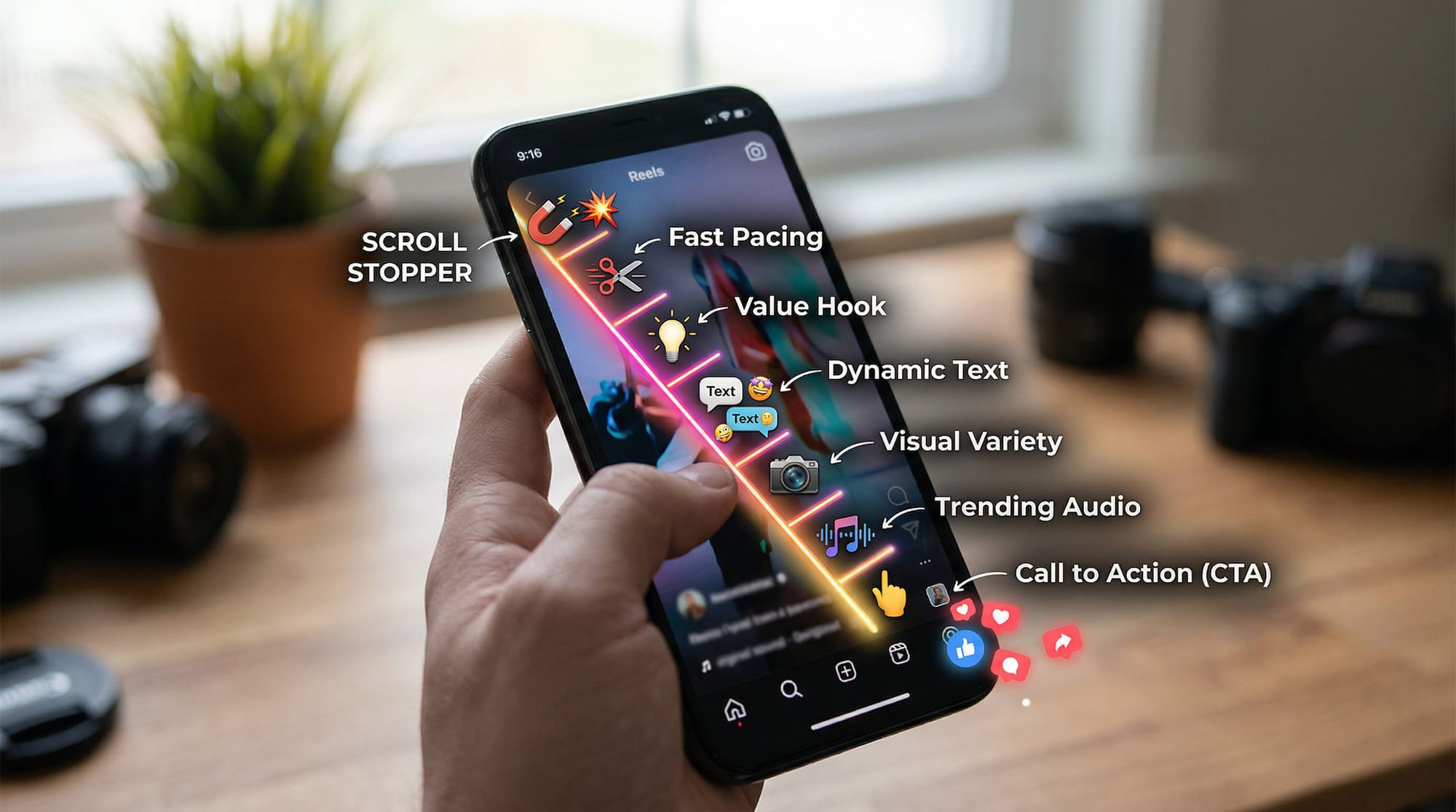
Instagram weights DM shares more heavily than likes or comments. A Reel that gets sent to a specific person is being recommended to that person — the algorithm treats it as a stronger signal than a passive like from a stranger scrolling past.
The Reels that get shared are almost always specific. Not "colour grading tips" — "how to grade skin tones on a dark set without the rest of the frame going orange." That's the Reel someone forwards to the one person they know who's been stuck on exactly that problem for two weeks. The more general the content, the wider the theoretical audience and the smaller the actual one.
The loop. Reels that loop — where the end connects to the beginning in some way — generate rewatches, which count as additional watch time. The last frame echoing the first is enough, or text at the end that sends the viewer back to catch something they may have missed.
Completion rate is what matters. A 20-second Reel with 80% completion outperforms a 45-second Reel with 30% completion in terms of what the algorithm does with it next. Cut where the value ends — not to hit a duration target. Check completion rate in Instagram Insights after every post — it's under the Reel's metrics tab. If it's consistently low in the same part of the video, that section needs to be shorter or cut entirely.
Export settings
Instagram recompresses every video on upload. The right settings reduce how much compression it applies.
What works consistently:
- 1080 × 1920, 9:16 vertical
- H.264 codec
- 8–15 Mbps bitrate
- Frame rate matching source: 24fps cinematic, 30fps standard
- MP4
Vertical video at 9:16 is non-negotiable. Reels shot or cropped horizontal get pushed to a fraction of the feed placement that vertical content gets.
Upload through the Instagram app rather than Creator Studio on desktop — the app's compression pipeline is less aggressive on recent versions.
Export a clean file specifically for Instagram. The platform detects TikTok and CapCut watermarks and reduces distribution on anything that arrives with one. Same clip, separate export, no watermark. More on adapting content across platforms in How to Repurpose Long Videos into Short Clips →
FAQ
How long should a Reel be in 2026? Instagram Reels support up to 3 minutes. Completion rate matters more than length — a 20-second Reel watched to the end by 80% of viewers beats a 90-second Reel with 30% completion every time. Cut where the value ends, not to a target duration. Check yours in Instagram Insights.
Does the cover image matter? More than most people realise. The cover is what someone sees when landing on your profile rather than arriving from Explore or the Reels feed. Set it manually in the app during upload — the default first frame is almost never the right choice.
Do hashtags still do anything? Less than they used to. Instagram has stated hashtags are not a primary distribution signal. Three to five relevant ones are fine. On-screen text and the description do more work for signalling topic to the Reels algorithm than hashtags do.
What is Trial Reels? A feature that posts a Reel to a small audience outside your followers before it goes to your main feed. You get a retention graph showing exactly where people dropped off. Useful for testing hooks before committing to a post.
Can I use the same edit for TikTok and Instagram? Generally yes. Remove any platform watermarks, check the safe zones — TikTok and Reels have slightly different UI overlay positions. TikTok's algorithm is more aggressive about cold discovery; Reels starts by showing content to existing followers first. More on that distinction in YouTube Shorts vs TikTok vs Reels →