Best Free Video Editing Apps for Mobile (iOS & Android, 2025)
You're standing outside. Good light. Something interesting just happened. You filmed it.
Now you're in the back of an Uber trying to get it posted before the moment dies — and your laptop is at home.
This is the actual use case for mobile video editors. Not "flexibility" or "editing on the go" — it's that gap between filming something and needing it to exist on the internet before you get home.
Here's what's actually worth having on your phone.
CapCut
Free · iOS + Android · No watermark
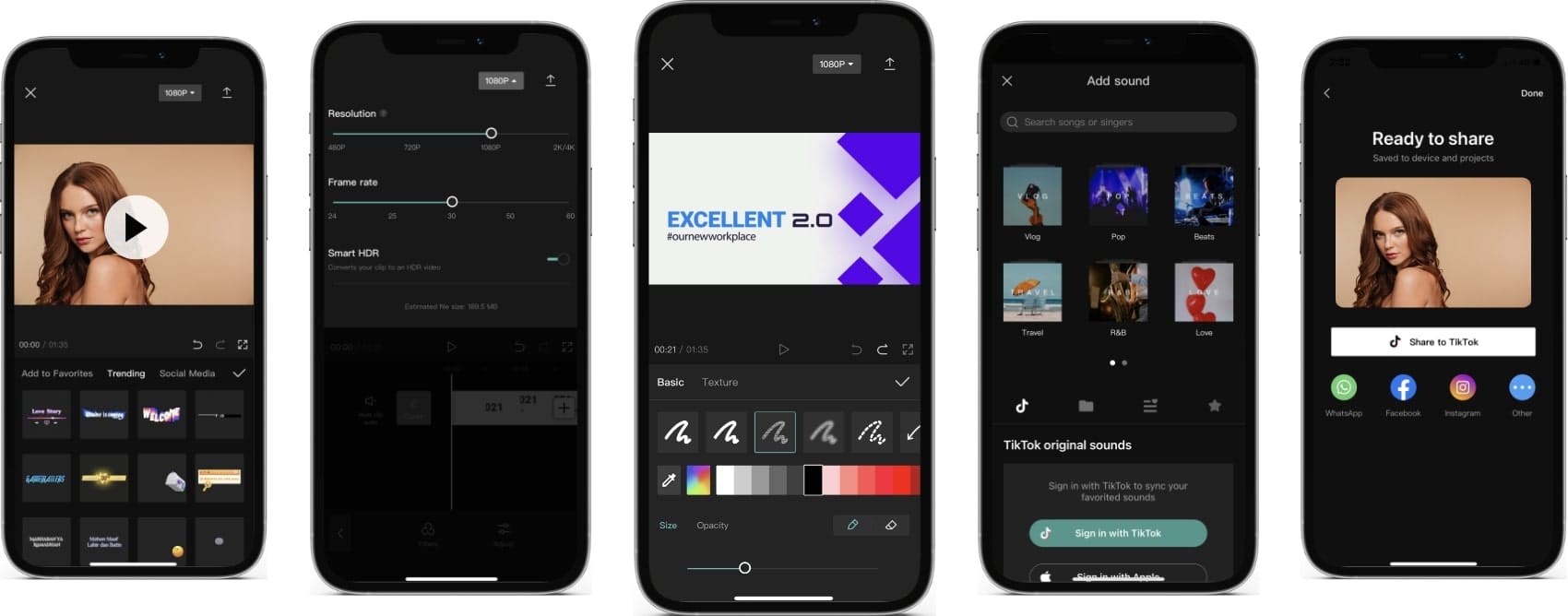
The first time most people open CapCut they spend 20 minutes playing with templates instead of editing their actual video. That's not a criticism — the templates are genuinely good, and for someone who's never edited before, watching one transform your raw footage into something that looks intentional is kind of addictive.
Past the templates, CapCut is just a solid editor. The AI captions work well enough that you'll only need to fix a word or two per minute of footage. Background removal handles real-world shots — not perfectly, but well enough for most things. The timeline is simple, export is fast, and nothing asks you to subscribe before you can save your work.
The thing nobody mentions: CapCut's free tier is genuinely free. No watermark, 1080p export, most features unlocked. The Pro upsell is persistent but skippable.
One real thing to know before you download it: ByteDance makes it — same company as TikTok. If that matters to you for data reasons, it matters here too.
Download it if: you're making anything for TikTok, Reels, or Shorts, or if you just want to start editing and figure out the rest later.
iMovie
Free · iPhone + iPad only · No watermark · 4K export
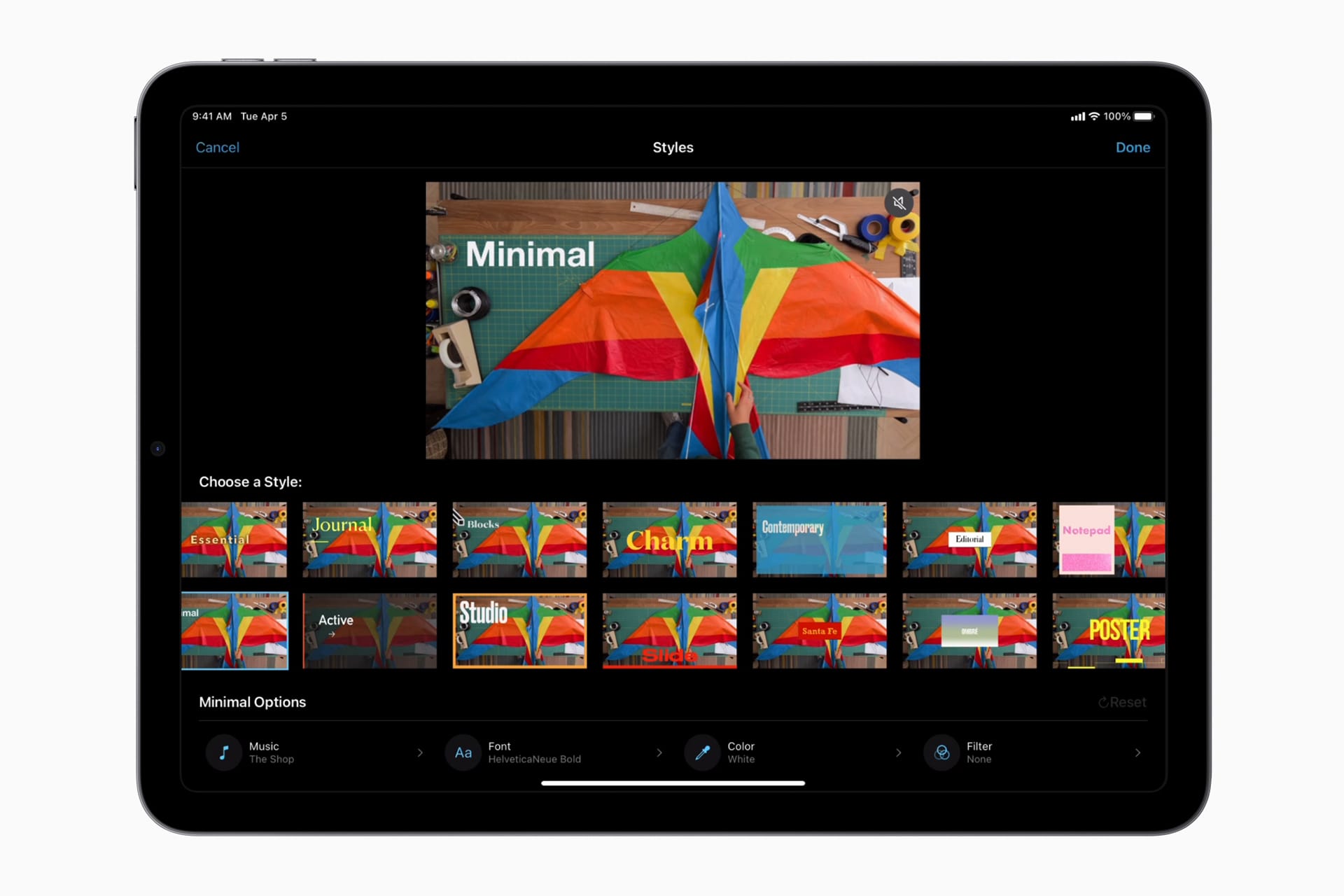
iMovie is already on your phone. That's genuinely its best feature.
There's no setup, no account, no tutorial you have to skip through. You open it and your camera roll is right there. For a lot of people — people who want to trim something, add a song, and send it to someone — iMovie is all they'll ever need.
The interface is calm in a way that CapCut isn't. No template grid trying to pull your attention. No AI buttons. Just your clips, a timeline, and the basic tools. If you find CapCut overwhelming or slightly chaotic, iMovie will feel like a deep breath.
The limits are real and you'll hit them. No multi-track video layers. Basic colour tools. No AI anything. If you want to put text that moves over your video, or layer two clips, or do anything beyond a clean cut-and-music edit — iMovie will tell you no.
But here's the thing most people skip past: if you start in iMovie and eventually want more, your project transfers directly to Final Cut Pro on a Mac. Nothing gets stranded.
Download it if: you're on iPhone, you want simple, or you're editing something where a clean cut matters more than effects.
InShot
Free with watermark · iOS + Android · Pro: $3.99/month
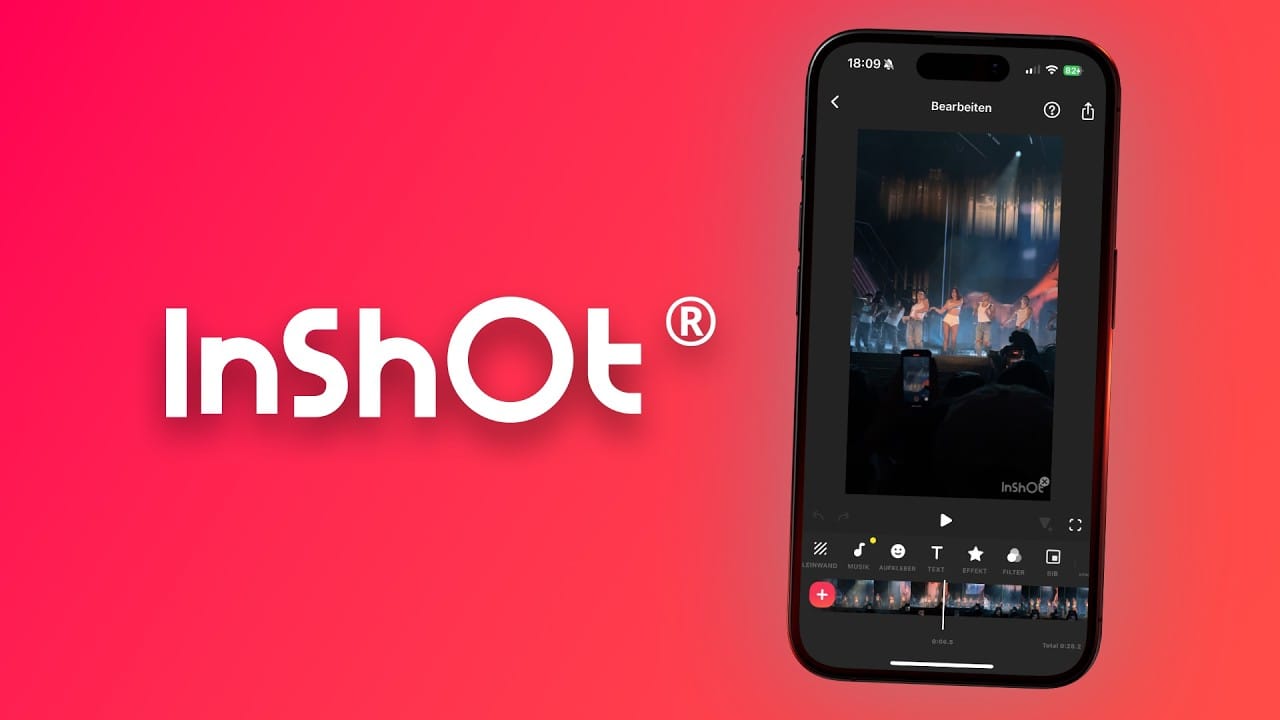
InShot is the app you reach for when you have a horizontal video and need it to look right on Instagram Stories.
That canvas feature — where it puts your video on a blurred or coloured background to fill a vertical frame — sounds like a small thing until you actually need it at 11pm before something goes out. Then it's the whole reason the app is on your phone.
The free version watermarks your exports, which is the main friction point. The Pro subscription is cheaper than most ($34.99/year works out to under $3/month) and removes it cleanly. If you're posting regularly, it's worth it.
Beyond the canvas stuff: InShot is fast and uncluttered. There's no AI trying to help, no templates pushing you toward a particular style. You make the choices, it executes them. Some people really prefer that.
Download it if: you regularly need to reformat videos between aspect ratios, or you want a quick editor without the ByteDance data concerns.
LumaFusion
$29.99 one-time · iOS + Android
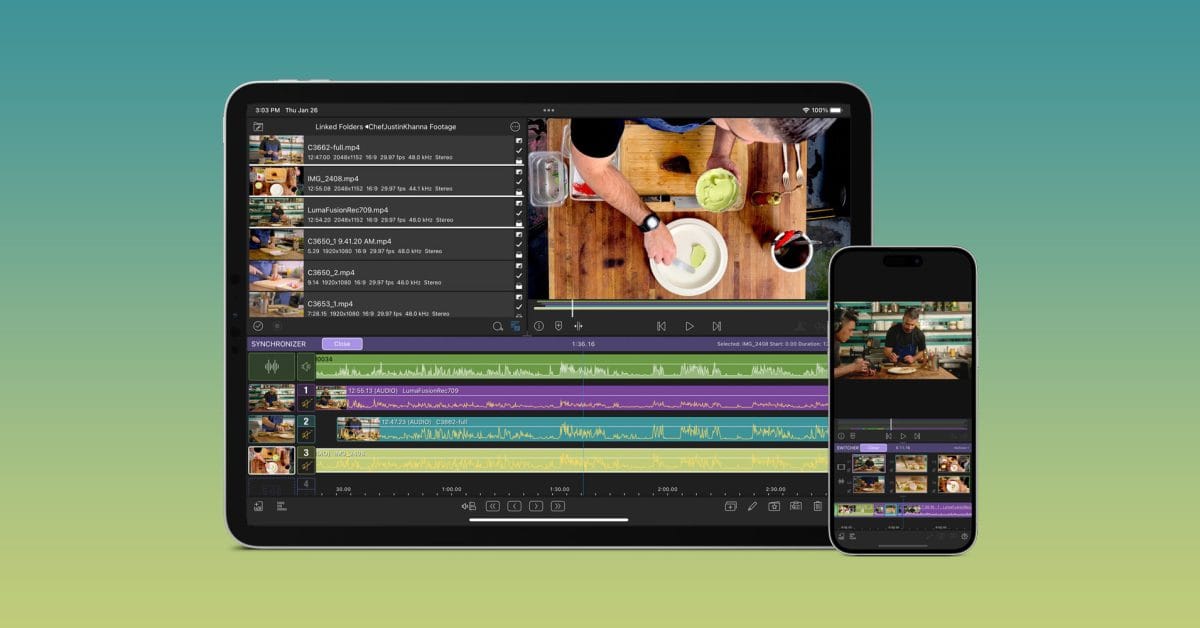
LumaFusion costs money, which immediately makes it feel different from everything else on this list.
It's also the only one that doesn't have a subscription. You pay $30 once and it's yours — no monthly fee, no watermark, no features locked behind an upsell. For an app you're going to use every day, that math works out quickly.
What you actually get: six video tracks, professional audio tools with EQ and compression, real colour correction, keyframing, 4K export. This is not a simplified mobile editor — it's a legitimate editing suite on your phone. The iPad experience especially is something else. With a keyboard connected you can work almost as fast as on a desktop.
The people who use LumaFusion are usually people who tried CapCut, hit its ceiling on multi-track editing, and went looking for something that could actually handle a complex project. It handles complex projects.
Download it if: you're editing music videos, mini-documentaries, or anything with multiple video and audio layers. Or if you just hate subscriptions.
Adobe Premiere Rush
Free (3 exports/month) · iOS + Android · Included in Creative Cloud
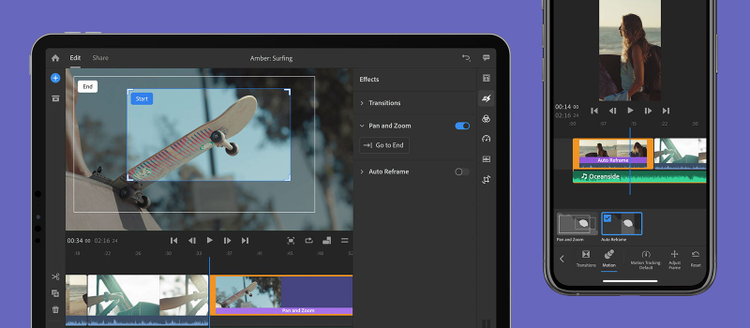
The free version of Premiere Rush has a hard limit: three exports per month. After that it wants your Creative Cloud subscription.
That makes it hard to recommend as a standalone free tool — CapCut and iMovie do more for free. But if you already pay for Adobe Creative Cloud for Photoshop or Illustrator, Rush comes with it, and the cross-device sync is genuinely useful. Start an edit on your phone, finish it on your laptop without any file-transferring. The project just shows up on the desktop app.
For the specific person who moves between phone and computer and already pays Adobe: it's the obvious choice. For everyone else, the three-export limit is too annoying to build a workflow around.
Download it if: you're already subscribed to Creative Cloud and edit across multiple devices.
The actual decision
Most people should just download CapCut and start.
If you're on iPhone and want something simpler: iMovie.
If you hit CapCut's ceiling on multi-track editing or hate the ByteDance connection: LumaFusion.
If you need to repost horizontal videos to vertical platforms regularly: InShot alongside whichever main editor you use.
The trap is spending an hour comparing apps instead of making something. Download one, make a video with it, see what it can't do. That'll tell you more than any comparison article.
FAQ
Which of these actually has no watermark for free? CapCut and iMovie export without watermarks on the free tier. InShot and PowerDirector watermark free exports. LumaFusion has no watermark (paid app). Premiere Rush has no watermark but limits you to 3 exports/month free.
Is CapCut safe to use? It works and the tools are legitimate. The privacy question — ByteDance ownership, data handling — is real and worth knowing about. If you have concerns about TikTok's data practices, you should apply the same thinking to CapCut.
Can I edit a full music video on my phone? With LumaFusion, yes — multi-track, colour grade, the whole thing. With CapCut, you can get close but complex timelines with multiple layers become frustrating. iMovie and InShot aren't built for that level of edit.
What's the best free option for Android specifically? CapCut has the best free tier on Android. If you want to avoid ByteDance, PowerDirector is the strongest alternative — the free version has a watermark, but the feature set is solid.
Do any of these work offline? CapCut, iMovie, InShot, and LumaFusion all work without internet. Some of CapCut's AI features need a connection to process.