Best Aspect Ratios for Every Platform (2026)
The first time I posted a 16:9 music video clip to TikTok, it got a third of the views the same clip got on YouTube. Same edit, same hook, same everything. The difference was the black bars — TikTok read it as repurposed content and pushed it into the back of the queue. I haven't uploaded a non-9:16 vertical to TikTok since.
Platforms reward native formatting. A video that fills the screen correctly looks like it was made for that surface. A video with black bars looks like someone's YouTube upload with a tag on it. The algorithm treats these differently — not as a policy, but as a signal about content quality and intent. Get the format wrong and it doesn't matter how good the edit is.
Here's every format that matters, with the specs verified against platform documentation as of early 2026.
Quick reference
| Platform | Ratio | Resolution | Max length | Format |
|---|---|---|---|---|
| TikTok | 9:16 | 1080 × 1920 | 60 min (upload) | MP4/MOV |
| Instagram Reels | 9:16 | 1080 × 1920 | 3 min (most accounts) | MP4 |
| Instagram Stories | 9:16 | 1080 × 1920 | 60 sec/segment | MP4 |
| Instagram Feed | 4:5 | 1080 × 1350 | 60 sec | MP4 |
| YouTube Shorts | 9:16 | 1080 × 1920 | 3 min | MP4 |
| YouTube long-form | 16:9 | 1920 × 1080 min | 12 hr | MP4 |
| 16:9 or 1:1 | 1920 × 1080 | 10 min | MP4 | |
| Facebook feed | 4:5 or 1:1 | 1080 × 1350 | 240 min | MP4 |
The three ratios you actually need
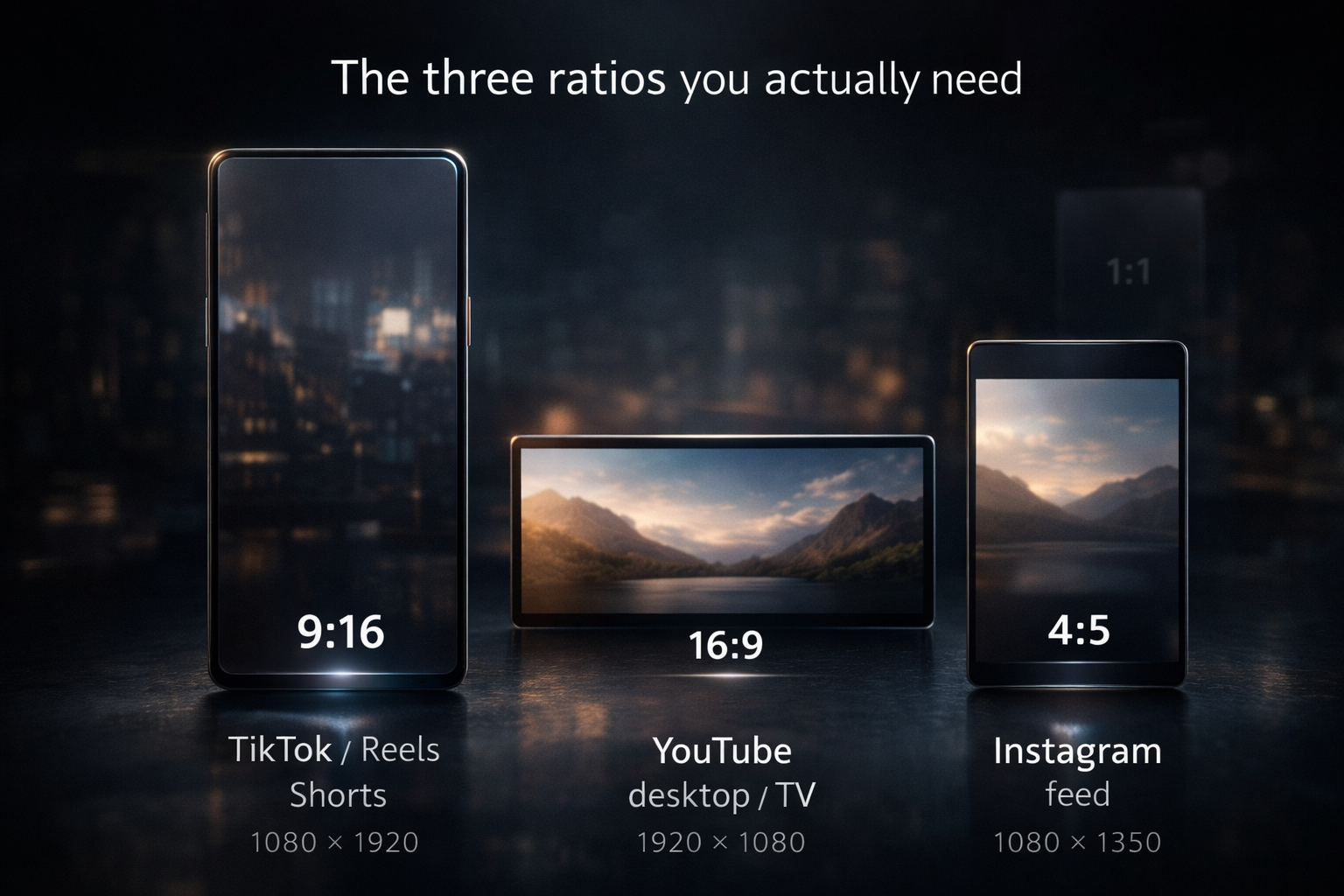
9:16 — vertical, portrait, full-screen mobile. The native format of TikTok, Instagram Reels, YouTube Shorts, and Stories. At 1080 × 1920 pixels it fills a phone screen completely — no letterboxing, no padding. If you're making short-form content, 9:16 is the format you work in and everything else is a deviation with a cost.
16:9 — horizontal, landscape. The native format of the YouTube player on desktop and TV, and the default for most cameras. 1920 × 1080 for standard HD, 3840 × 2160 for 4K. Long-form YouTube, music videos for traditional playback, anything that's going to be watched on a screen larger than a phone — this is your format.
4:5 — portrait feed. The format Instagram's main feed actually prefers for uploaded video. Not full-screen vertical, but taller than square, at 1080 × 1350 pixels. Less discussed than the other two but worth knowing if you post to the Instagram feed separately from Reels.
1:1 square exists and works on Facebook. Everything else is edge cases.
TikTok
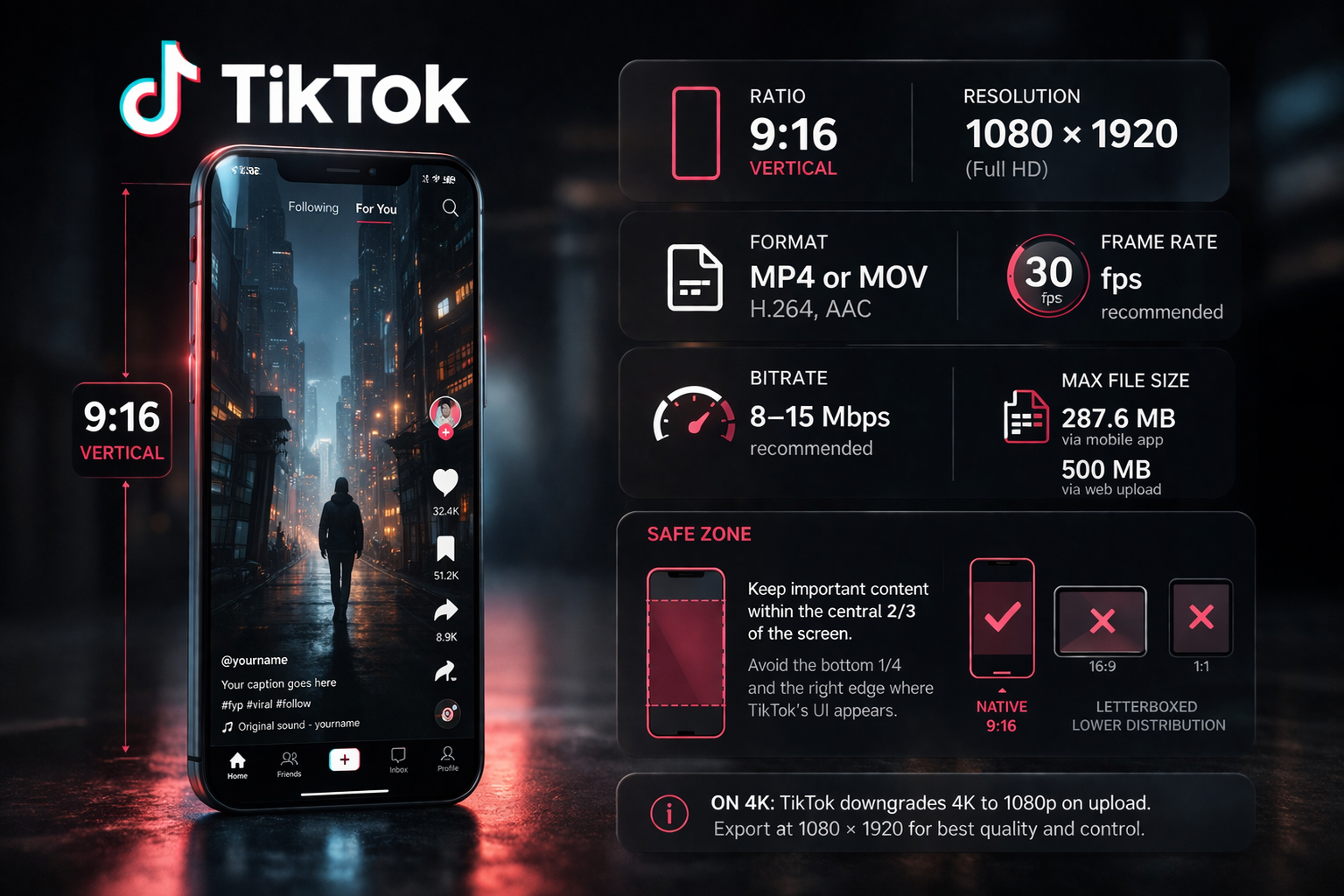
Ratio: 9:16 | Resolution: 1080 × 1920 | Format: MP4 or MOV, H.264, AAC | Bitrate: 8–15 Mbps | Frame rate: 30fps recommended
TikTok's interface was built around 9:16 from day one. Upload a 16:9 or 1:1 video and you get letterboxed black bars — and the platform reads the non-native video dimensions as cross-posted content. The distribution is noticeably lower when you compare native vertical against repurposed horizontal on the same account.
Safe zone: TikTok's UI stacks on top of your video — username and follow button on the left, like/comment/share/save buttons on the right, caption and audio credit at the bottom. If you've ever had text disappear under someone's name or get buried under the caption bar, this is why. Keep everything important — subtitles, graphics, the subject's face — away from the bottom quarter of the frame and the right edge. The safe area is roughly the central two-thirds of the screen.
On 4K: TikTok downgrades 4K to 1080p on upload regardless. Exporting directly at 1080 × 1920 gives you more control over the final compression than letting TikTok handle the downscale. Export at 1080p. Per TikTok's creator documentation, the recommended upload resolution is 1080 × 1920.
On file size: 287.6 MB via mobile app, 500 MB via web upload. For typical 15–60 second clips at 1080p this won't be an issue.
Instagram Reels
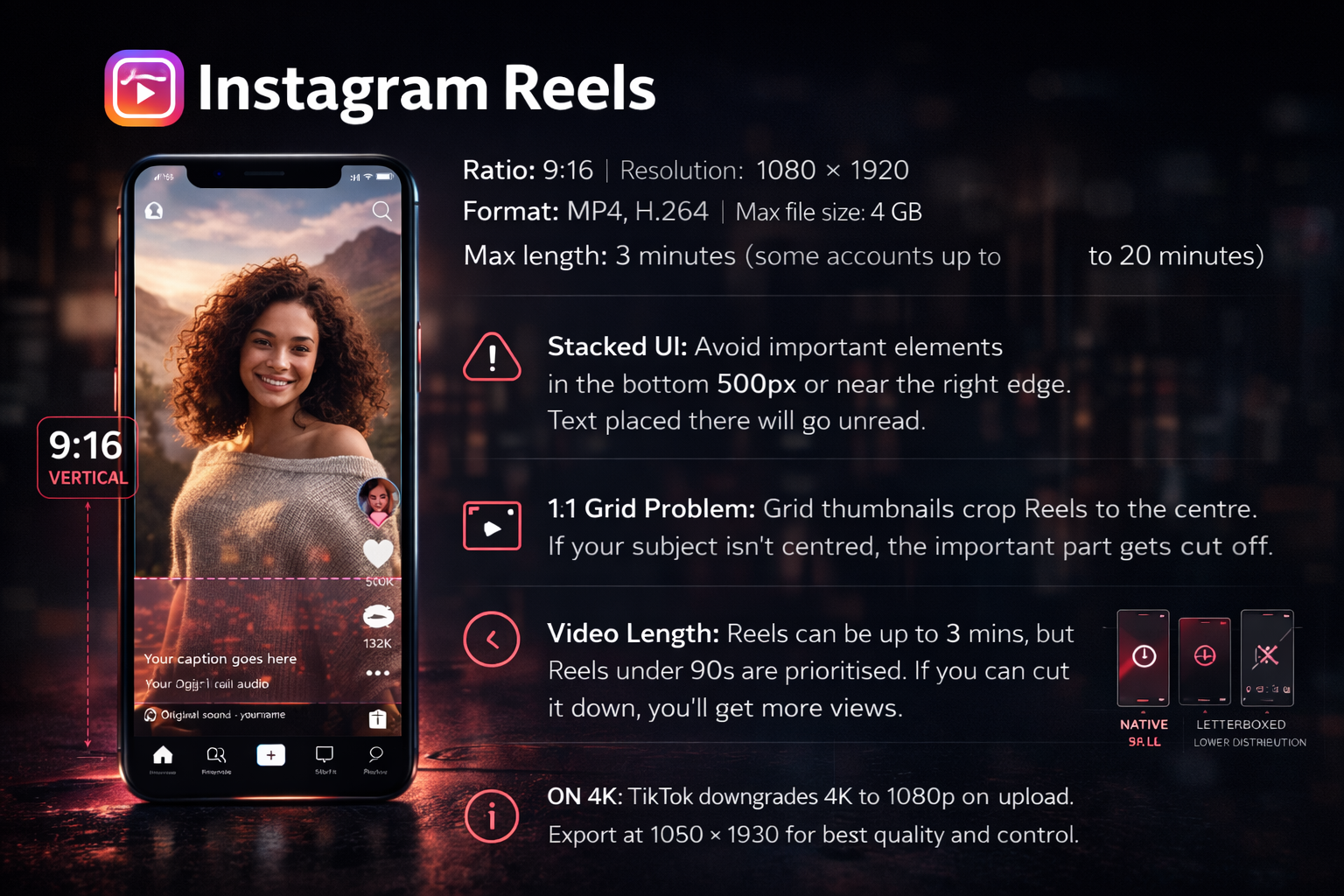
Ratio: 9:16 | Resolution: 1080 × 1920 | Format: MP4, H.264 | Max file size: 4 GB | Max length: 3 minutes (some accounts up to 20 minutes)
Reels follows the same 9:16 vertical standard as TikTok with slightly different UI overlay positions. Instagram's buttons — caption, audio credit, the profile avatar, follow button — stack at the bottom and right of the frame. Anything you put in the bottom third of the frame is going to compete with that UI. If your subtitles or text overlays land there, most viewers won't read them. Keep text and important graphics clear of the bottom 500 pixels and the right edge.
The grid problem: When your Reels appear in the grid on your profile page, Instagram displays them at 1:1 — cropped to square from the centre of the frame. If the most important visual in your Reel is at the very top or very bottom, the grid thumbnail loses it entirely. Shoot with the subject centred if the grid appearance matters to you.
On length: Reels support up to 3 minutes — but Reels under 90 seconds consistently get better placement in the Explore feed. The algorithm pushes shorter content harder in discovery surfaces regardless of what the maximum allows. If your content can be edited down to under 90 seconds without losing value, do it.
For more on how the Reels algorithm distributes content compared to TikTok and Shorts: YouTube Shorts vs TikTok vs Reels →
YouTube Shorts
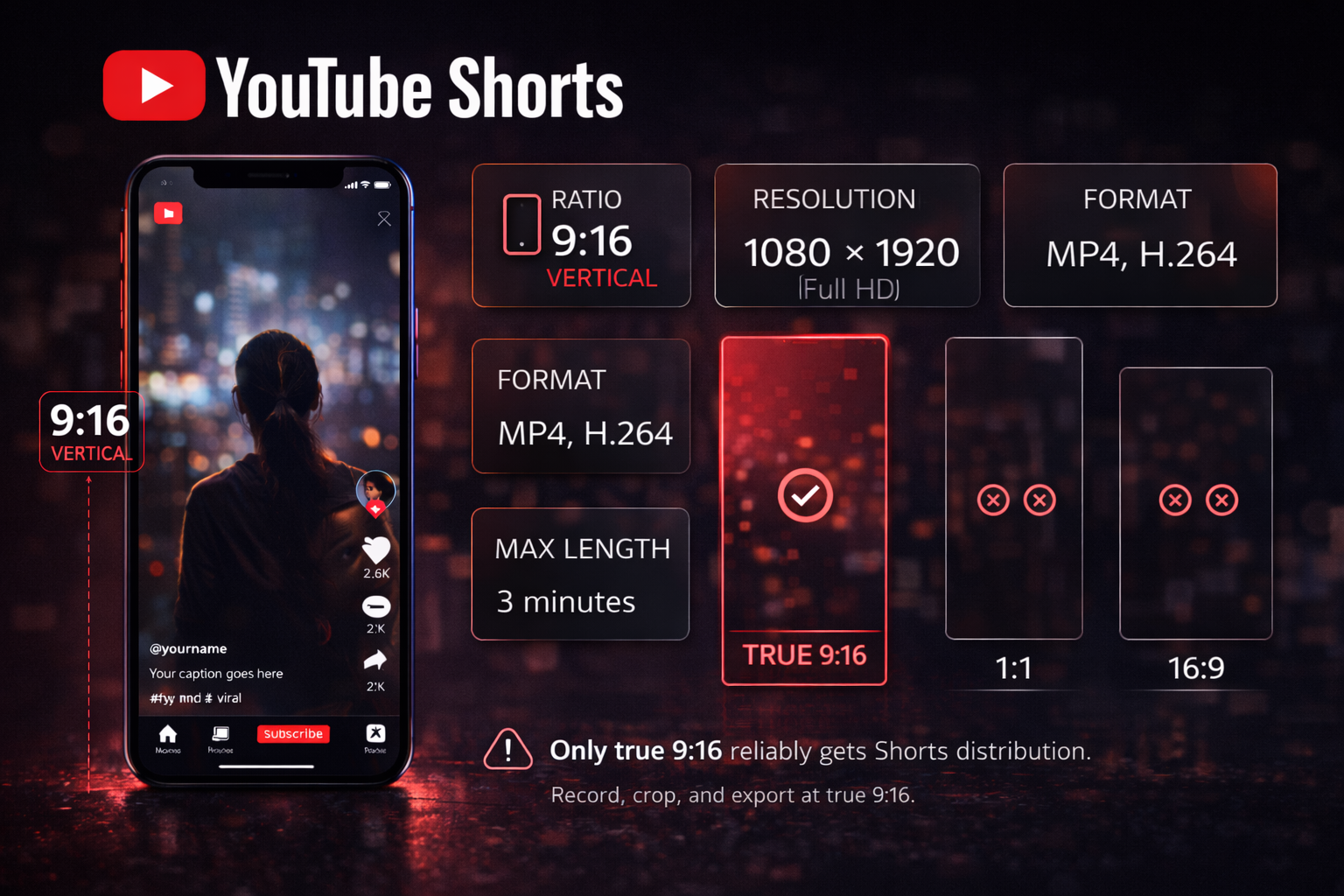
Ratio: 9:16 | Resolution: 1080 × 1920 | Format: MP4, H.264 | Max length: 3 minutes
YouTube Shorts started as a TikTok competitor but now operates as its own ecosystem — particularly valuable for creators who want to pull short-form viewers into a long-form channel. A viewer who subscribes through a Short gets served your 16:9 long-form content in their regular feed.
Square (1:1) and landscape (16:9) videos are technically accepted for Shorts uploads but they don't reliably land on the Shorts shelf. The algorithm places proper 9:16 content on the dedicated Shorts feed; everything else gets treated as a regular video and misses that distribution channel entirely.
Export exactly 1080 × 1920. Some phone cameras and screen recorders produce slightly non-standard ratios — 9:18 or 9:19.5 — that match phone screen proportions but aren't true 9:16. YouTube will crop these, and the crop might clip text or graphics near the edges. Use custom export dimensions rather than a preset.
YouTube long-form
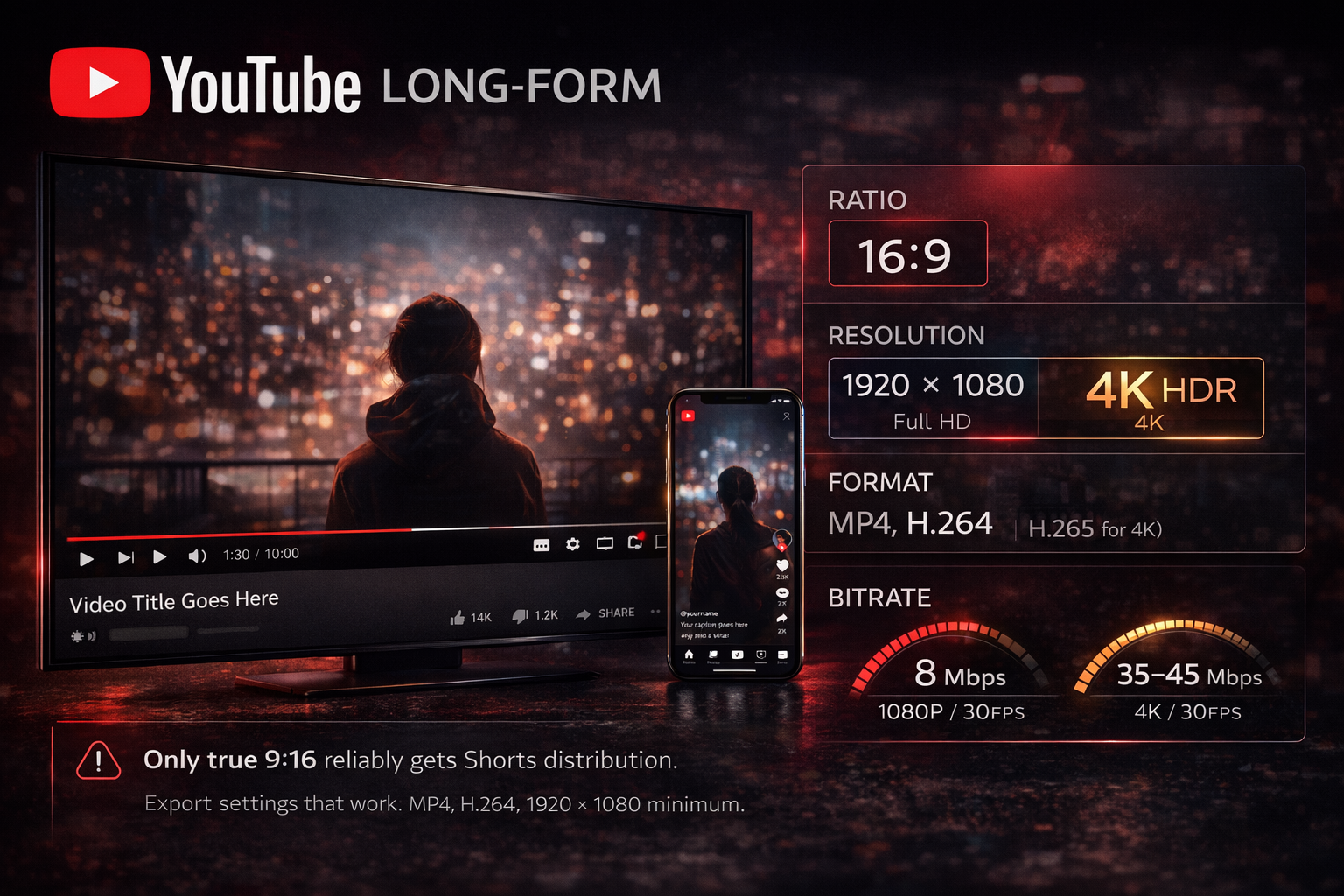
Ratio: 16:9 | Resolution: 1920 × 1080 minimum; 3840 × 2160 for 4K | Format: MP4, H.264 (H.265 for 4K) | Bitrate: 8 Mbps at 1080p/30fps; 35–45 Mbps at 4K/30fps
YouTube's player is natively 16:9. Every desktop, TV screen, and landscape phone view assumes this. Music videos, tutorials, short films — all of it belongs in 16:9 for YouTube. Upload anything else and it gets letterboxed or pillarboxed.
On 4K uploads: YouTube gives 4K source files a higher-quality encode when it recompresses for streaming. If your source footage is 4K, upload at 4K — the viewer benefits from the better encode even on a 1080p screen. If your footage is 1080p, upload at 1080p. Upscaling 1080p to 4K before upload doesn't help and creates larger files without quality gain.
Export settings that work: MP4, H.264, 1920 × 1080 minimum, 8 Mbps at 30fps. For 4K: H.264 or H.265, 35–45 Mbps at 30fps. Match your source frame rate — 24fps for cinematic, 30fps or 60fps for standard. More on export settings in How to Edit Instagram Reels That Stop the Scroll →
Instagram feed video
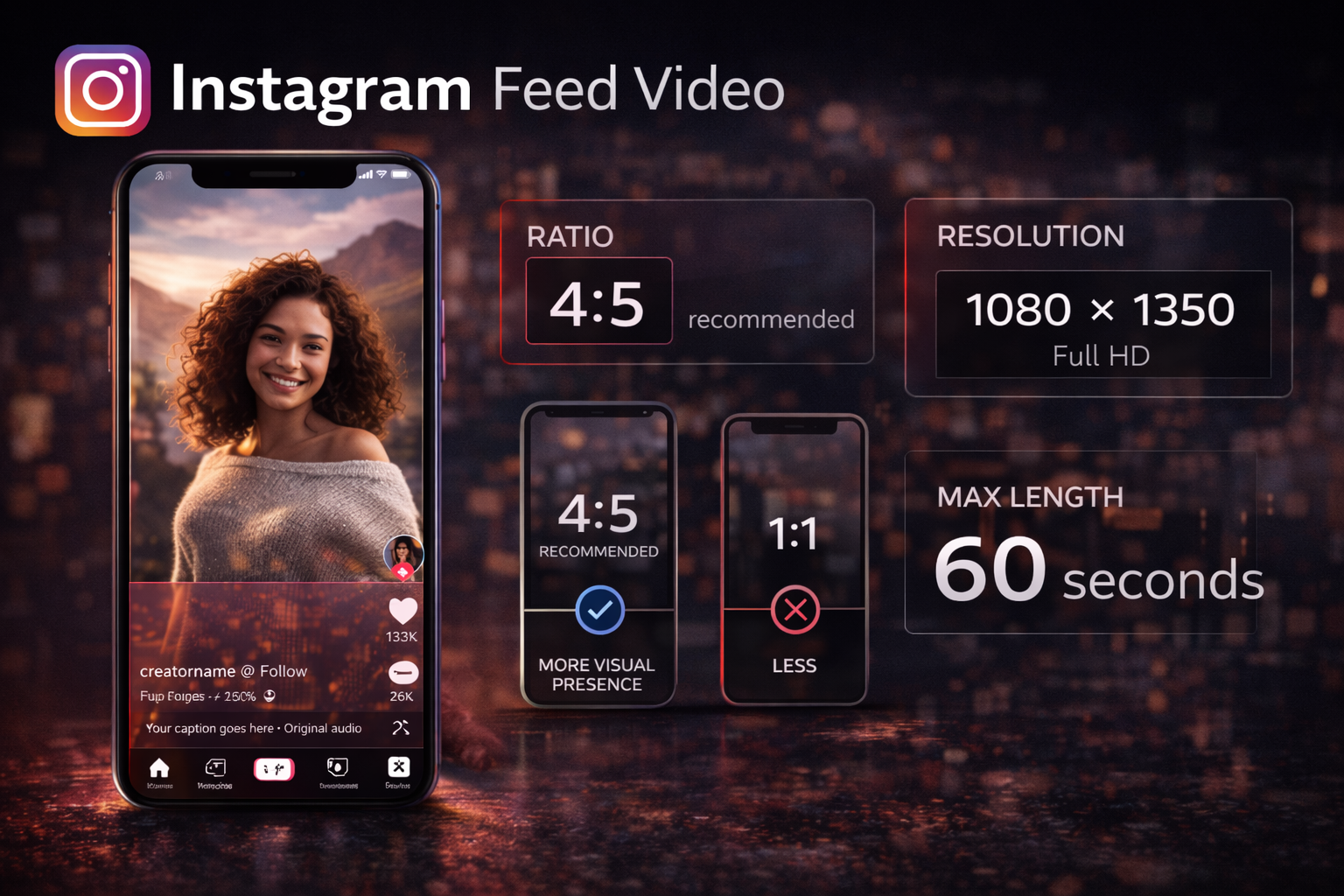
Ratio: 4:5 recommended | Resolution: 1080 × 1350 | Max length: 60 seconds
The Instagram feed is a separate surface from Reels with different distribution logic. Feed videos don't get pushed to Explore the way Reels do.
For feed video, 4:5 is the most efficient use of mobile screen space — it fills more of the phone screen than a square post without requiring the full 9:16 vertical. On a phone, a 4:5 video takes up noticeably more of the display than 1:1, which means more visual presence in a scroll without the commitment of a full-screen format.
If you're cross-posting a 9:16 Reel to the feed, Instagram letterboxes it — the full-screen vertical gets padded to fit the feed with black bars on the sides. Better to create a separate 4:5 crop of the same footage, keeping the subject centred in a slightly tighter vertical frame.
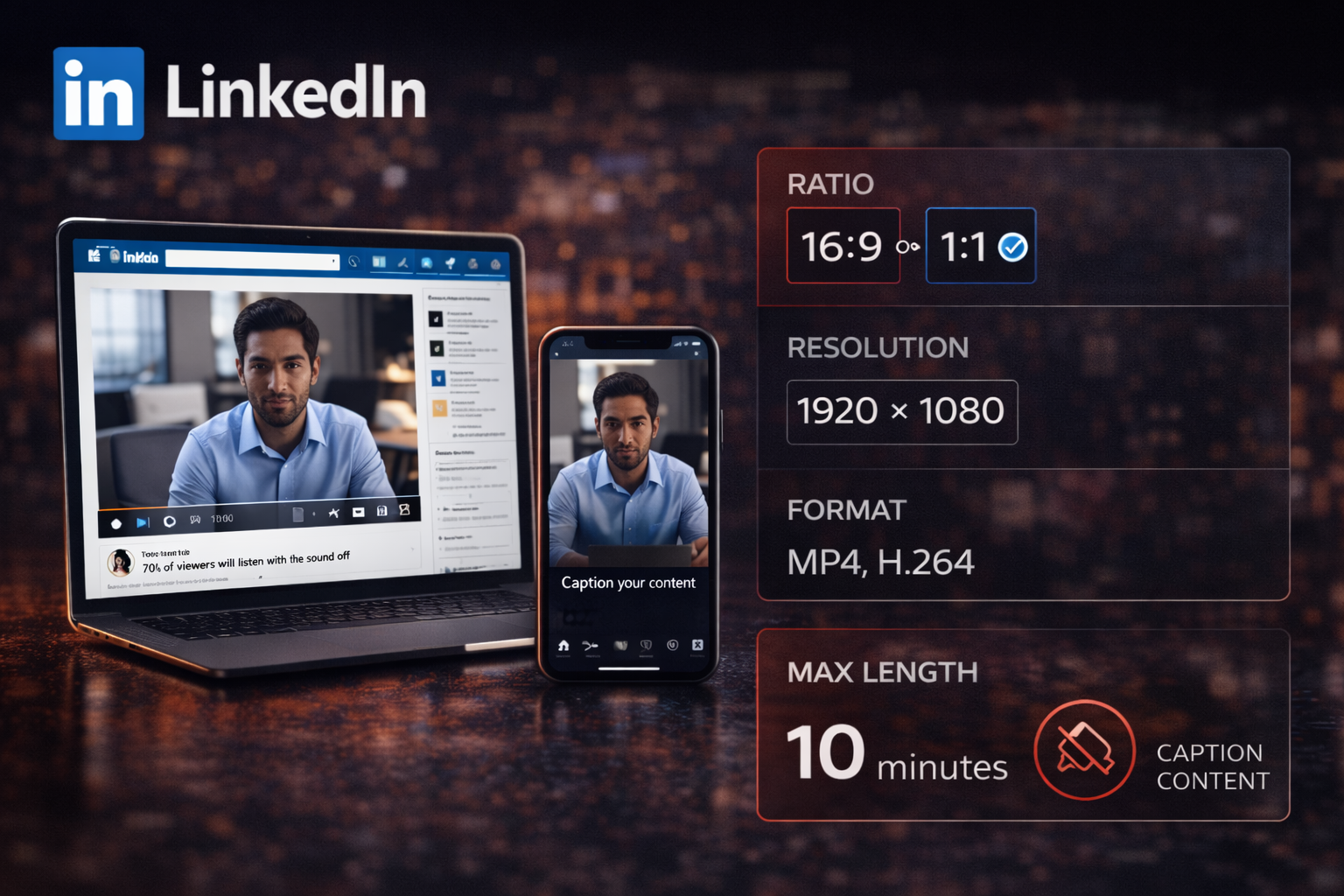
Ratio: 16:9 or 1:1 | Resolution: 1920 × 1080 | Format: MP4, H.264 | Max length: 10 minutes
LinkedIn's audience watches differently to TikTok or Instagram. Most viewing happens on desktop, in a professional context, often without audio. This changes how you frame and subtitle content.
16:9 works well for longer-form content — tutorials, case studies, documentary-style clips — because most LinkedIn viewing happens in a browser. For shorter clips intended for the mobile feed scroll, 1:1 square is the safer choice: it fills more of the mobile display without the black-bar problem that 9:16 creates for desktop viewers.
Captions are more important on LinkedIn than any other platform. The mute-by-default behaviour here is the most consistent across the entire audience.
The one-shoot-multiple-format approach
The most efficient workflow for content creators posting across platforms: shoot with all three ratios in mind at the same time.
Film with the main subject centred in the frame, nothing critical within the outer 10–15% of the frame in any direction. This gives you a 9:16 vertical that works for TikTok, Reels, and Shorts — exported once and used across all three. It also gives you a 16:9 horizontal for YouTube, cropped from the same centre. And a 4:5 for the Instagram feed, cropped slightly tighter from the same vertical frame.
One recording session. Three deliverable formats. No reshooting, no awkward crops.
The only constraint: keep important information — the subject's face, any text in shot, significant action — away from the extreme edges of the frame in any direction. If something matters, it needs to survive a crop to any of these three ratios.
For music video production where you're working with existing footage that wasn't shot for vertical: How to Repurpose Long Videos into Short Clips →
FAQ
Can I just post the same 9:16 file everywhere? For TikTok, Reels, and Shorts — yes, a single clean 9:16 MP4 works across all three provided you've exported without a watermark. For YouTube long-form, no: 9:16 uploaded as a regular video gets letterboxed and doesn't look right on desktop or TV.
What happens if I upload 16:9 to TikTok? TikTok adds black bars to pad the frame to 9:16. The letterboxed video gets less distribution than native vertical content. The platform flags non-native video dimensions as an indicator the content was made for somewhere else.
Should I export at 4K for TikTok? No. TikTok downgrades 4K to 1080p on upload, and the compression on a downscaled 4K file can produce worse results than exporting directly at 1080p. Export at exactly 1080 × 1920.
What's the safest text placement for all vertical platforms? Avoid the bottom quarter of the frame and the right edge on all three — TikTok, Reels, and Shorts all have UI overlaps in those areas, just positioned slightly differently. Centre of frame is always safe.
Does the Instagram profile grid crop matter? If people land on your profile rather than discovering you through Explore or Reels feed, yes. Your Reels show at 1:1 in the grid — cropped from the centre. If the hook visual is at the very top of the frame, the thumbnail loses it.
What about portrait mode vs landscape mode on my camera? Portrait mode shoots natively at 9:16 — use this for all short-form content. Landscape mode shoots at 16:9 — use this for long-form YouTube. Decide before filming. Converting landscape to portrait by cropping almost always cuts off important parts of the frame that weren't composed for vertical.
What about Facebook? Facebook feed video prefers 4:5 or 1:1 for mobile. Facebook Reels use 9:16, same specs as Instagram Reels — if you're already posting to Instagram, the same file works on Facebook. Facebook video ads use 16:9 for in-stream placements.